Manage Characters
Learn how to manage and regenerate characters in VEOGENT STUDIO
Characters are fundamental elements that bring your video stories to life, providing continuity, relatability, and emotional connection with your audience. VEOGENT STUDIO offers powerful tools for creating and managing consistent characters across your video projects.
This guide will walk you through the process of managing characters in your projects - from viewing character lists, examining character details, regenerating character visualizations, to checking the regeneration progress. You'll also learn how to maintain consistent characters for professional video production.
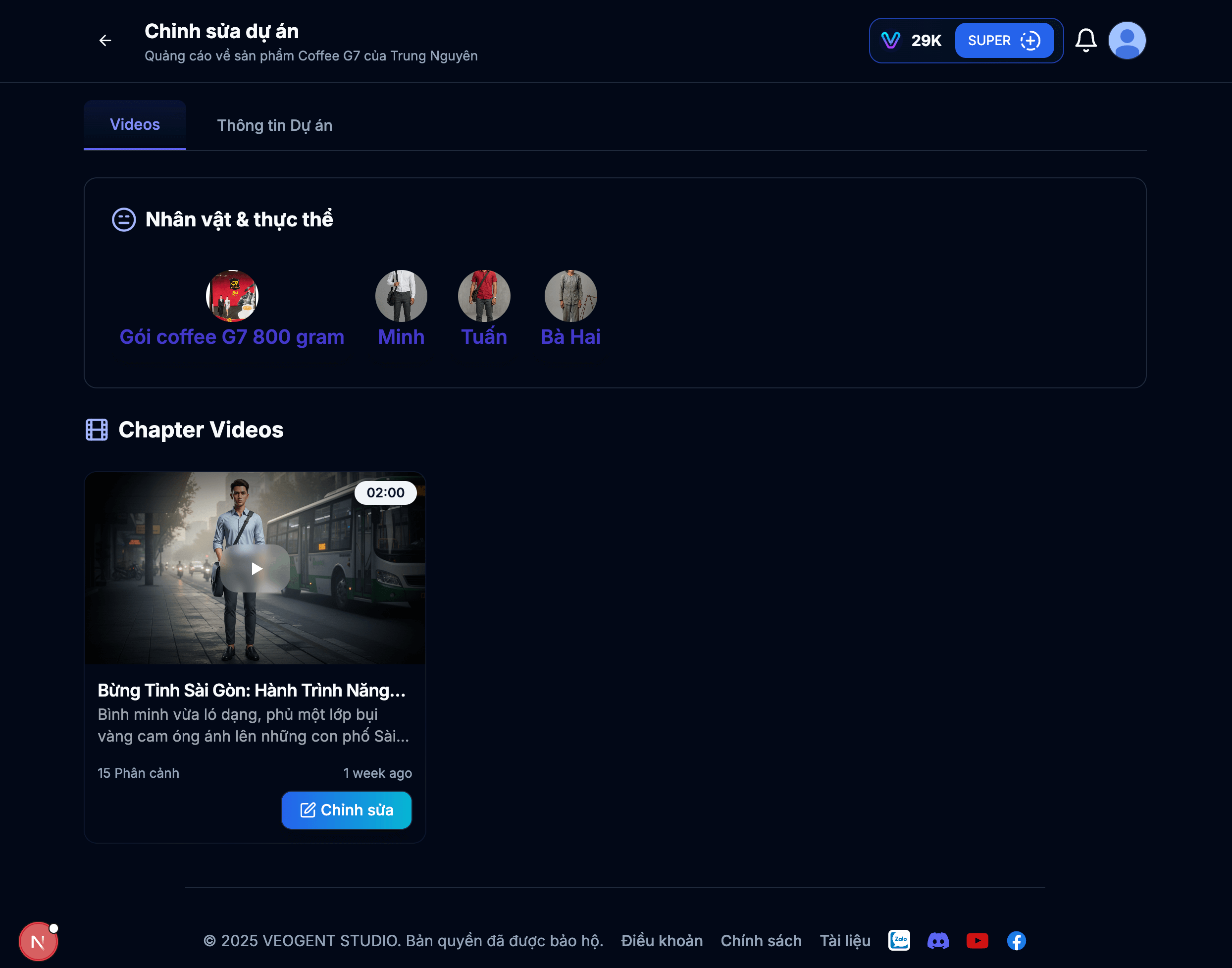
Image: 1.1: Character list view
Tips & Notes:
- The character list shows all characters created for your project.
- You can quickly identify which characters are already configured.
- Characters are shared across all chapters in your project.
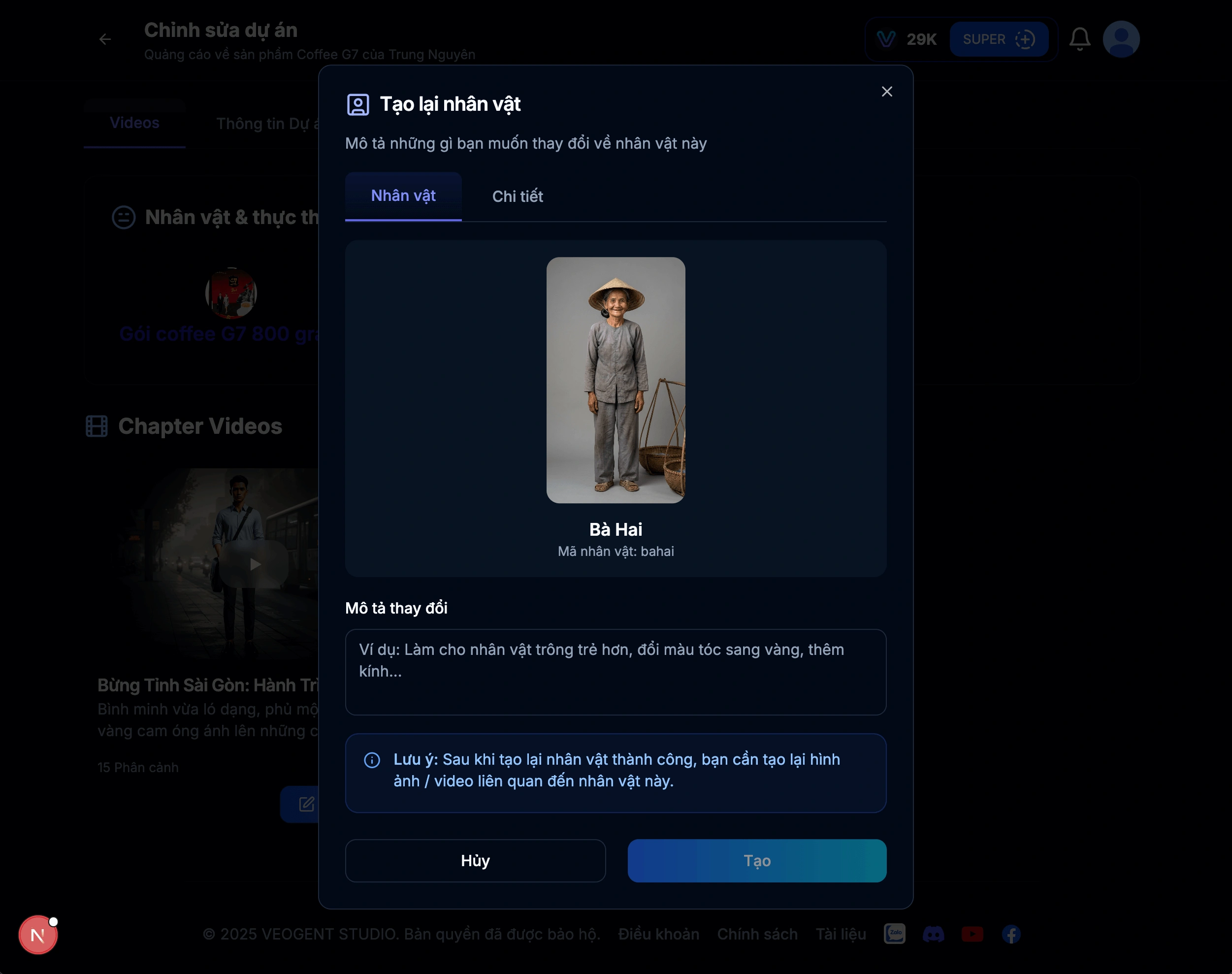
Image: 2.1: Character details page
Tips & Notes:
- Review all character details to ensure consistency with your vision.
- Check that personality traits align with the character's role in your story.
- Verify visual descriptions are detailed enough for consistent generation.

Image: 3.1: Current character image
Tips & Notes:
- The character image reflects the AI's interpretation of your description.
- If the image doesn't match your expectations, you can regenerate it.
- Multiple regenerations may be needed to find the perfect representation.
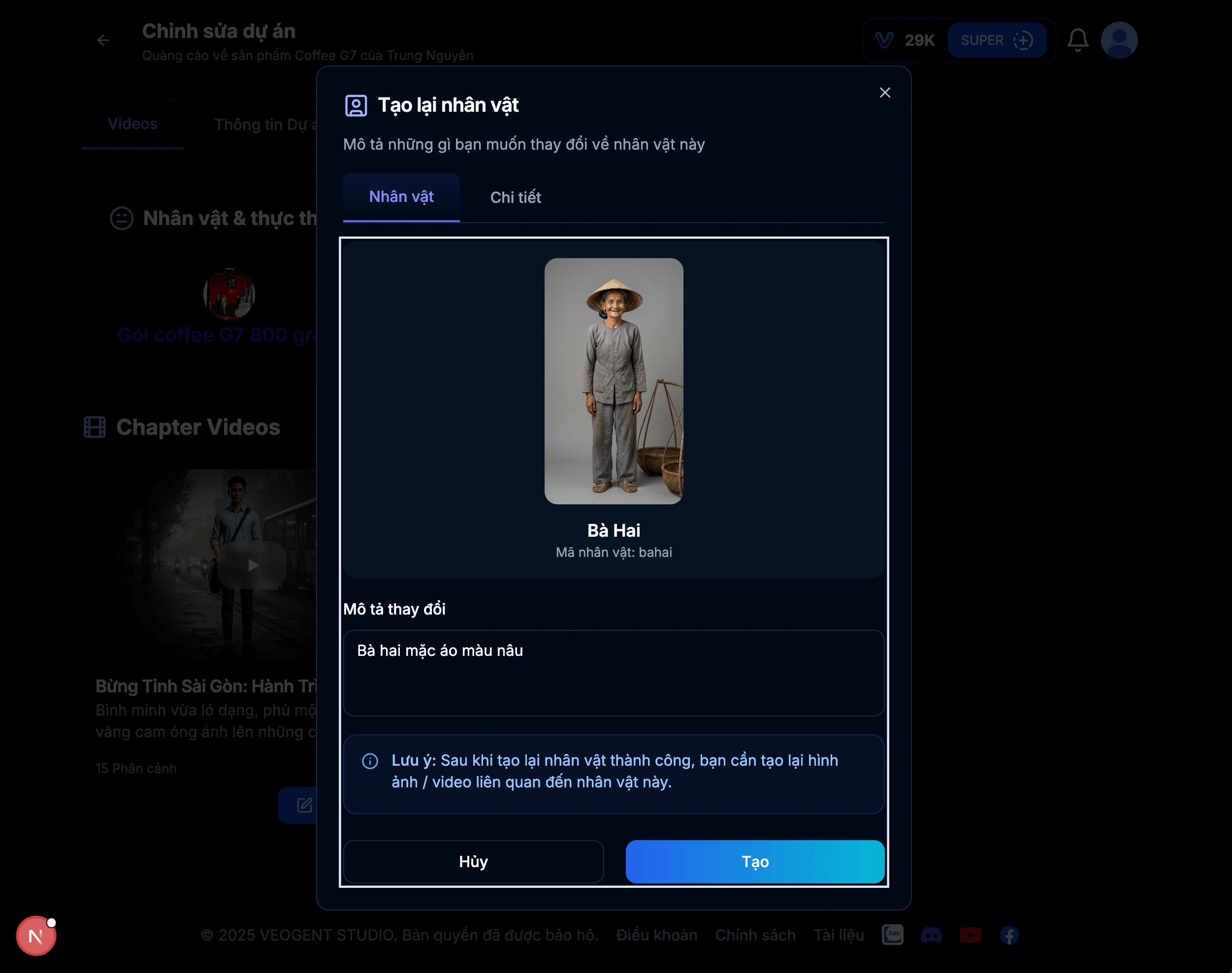
Image: 4.1: Input regeneration description
Tips & Notes:
- Be specific in your description for better results.
- Include details about appearance, clothing, and distinctive features.
- You can regenerate multiple times until satisfied with the result.
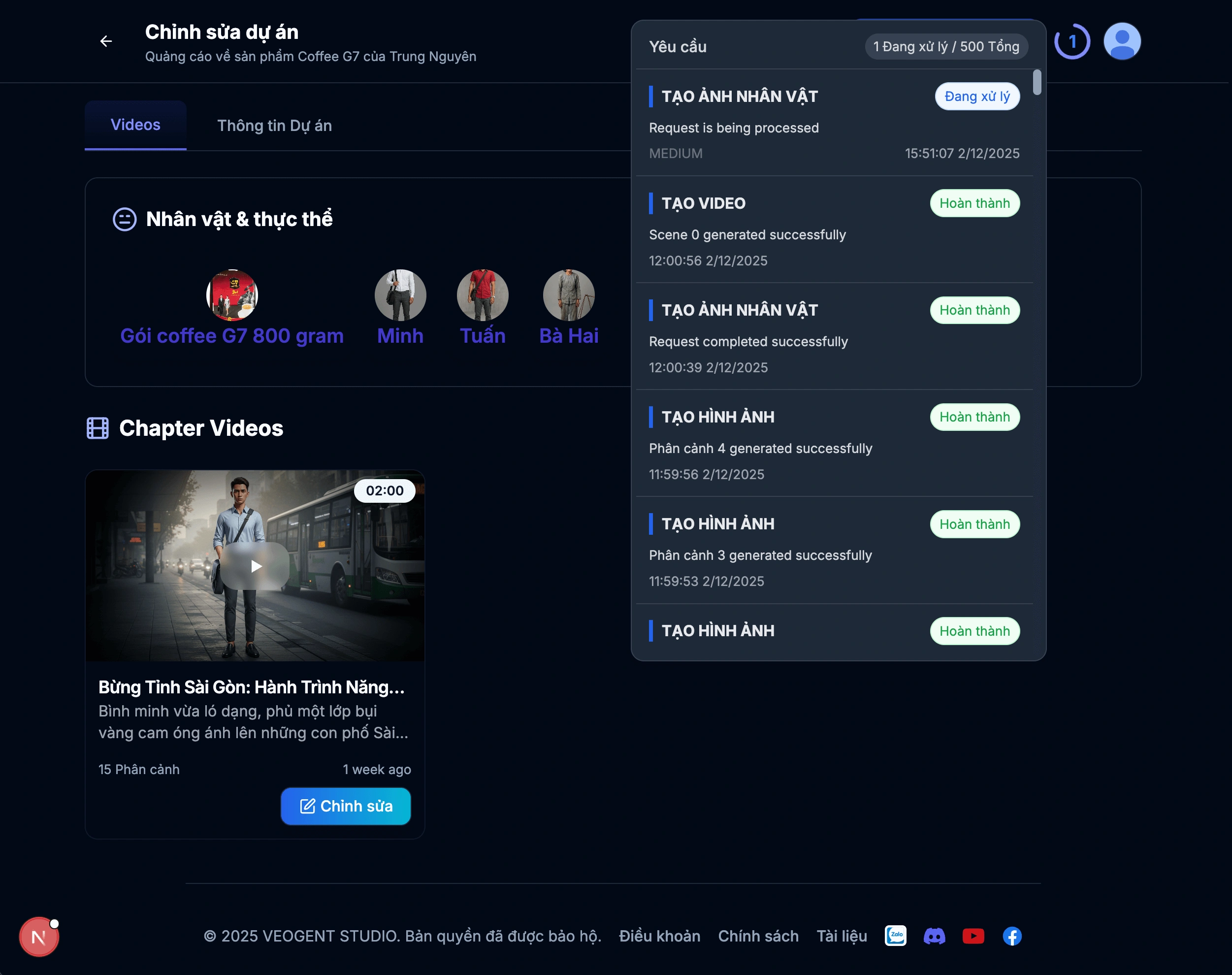
Image: 5.1: Regeneration progress indicator
Tips & Notes:
- Regeneration may take a few moments to complete.
- You can continue working on other aspects while waiting.
- The system will notify you when regeneration is complete.

Image: 6.1: Successful regeneration notification
Tips & Notes:
- Review the success message to confirm completion.
- You can now view the newly generated character image.
- If not satisfied, you can regenerate again with refined descriptions.
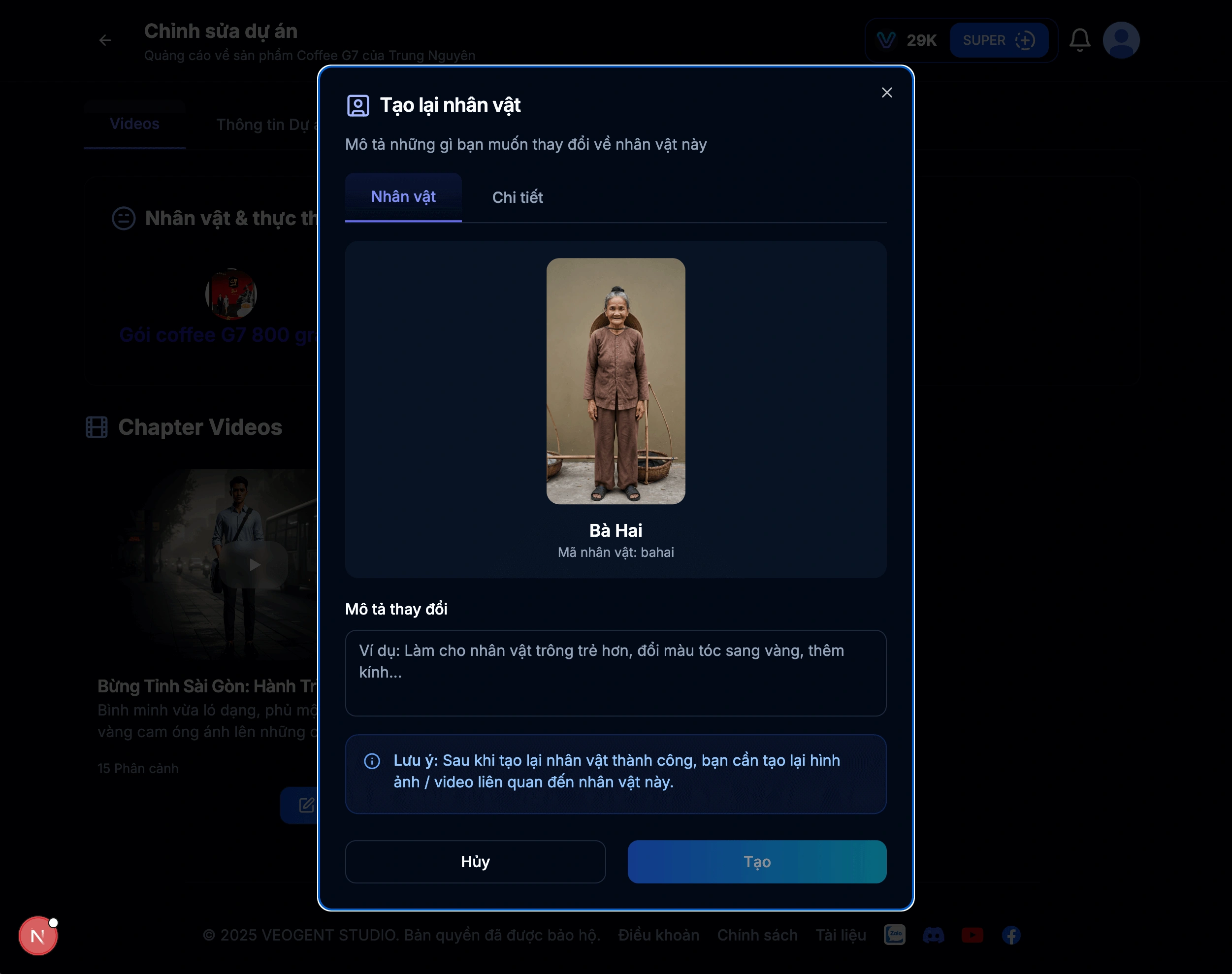
Image: 7.1: Updated character details after regeneration
Tips & Notes:
- Carefully review the new character visualization.
- Ensure the character maintains consistency with your project's style.
- Save variations you like for potential use in different scenes.
Create Consistent Character Videos
Step-by-step guide to creating consistent character videos
Create a New Video Project
Detailed steps to create and configure a new video project
Create Scene
Learn how to create compelling scenes for your videos
Generate Images
Master image generation for your video projects
Character management is a crucial aspect of professional video production. With VEOGENT STUDIO's character management tools, you can easily view, regenerate, and track character visualizations to maintain their visual identity and personality traits throughout your videos.
By following this guide, you've learned how to view character lists, examine character details, regenerate characters with custom descriptions, and monitor the regeneration progress. These tools ensure consistent character presentation across your video projects.