सुसंगत चरित्र वीडियो बनाएं
उच्च-गुणवत्ता सुसंगत चरित्र वीडियो बनाने के लिए चरण-दर-चरण गाइड
VEOGENT STUDIO विभिन्न वीडियो में सुसंगत चरित्रों के साथ वीडियो बनाने के लिए शक्तिशाली उपकरण प्रदान करता है। यह गाइड आपको चरण-दर-चरण प्रक्रिया के माध्यम से सुसंगत चरित्रों वाले पेशेवर वीडियो बनाने में मदद करेगी।
नया प्रोजेक्ट बनाने से लेकर पूर्ण वीडियो बनाने तक, आप सीखेंगे कि सर्वोत्तम परिणाम प्राप्त करने के लिए VEOGENT STUDIO की सभी सुविधाओं का उपयोग कैसे करें।
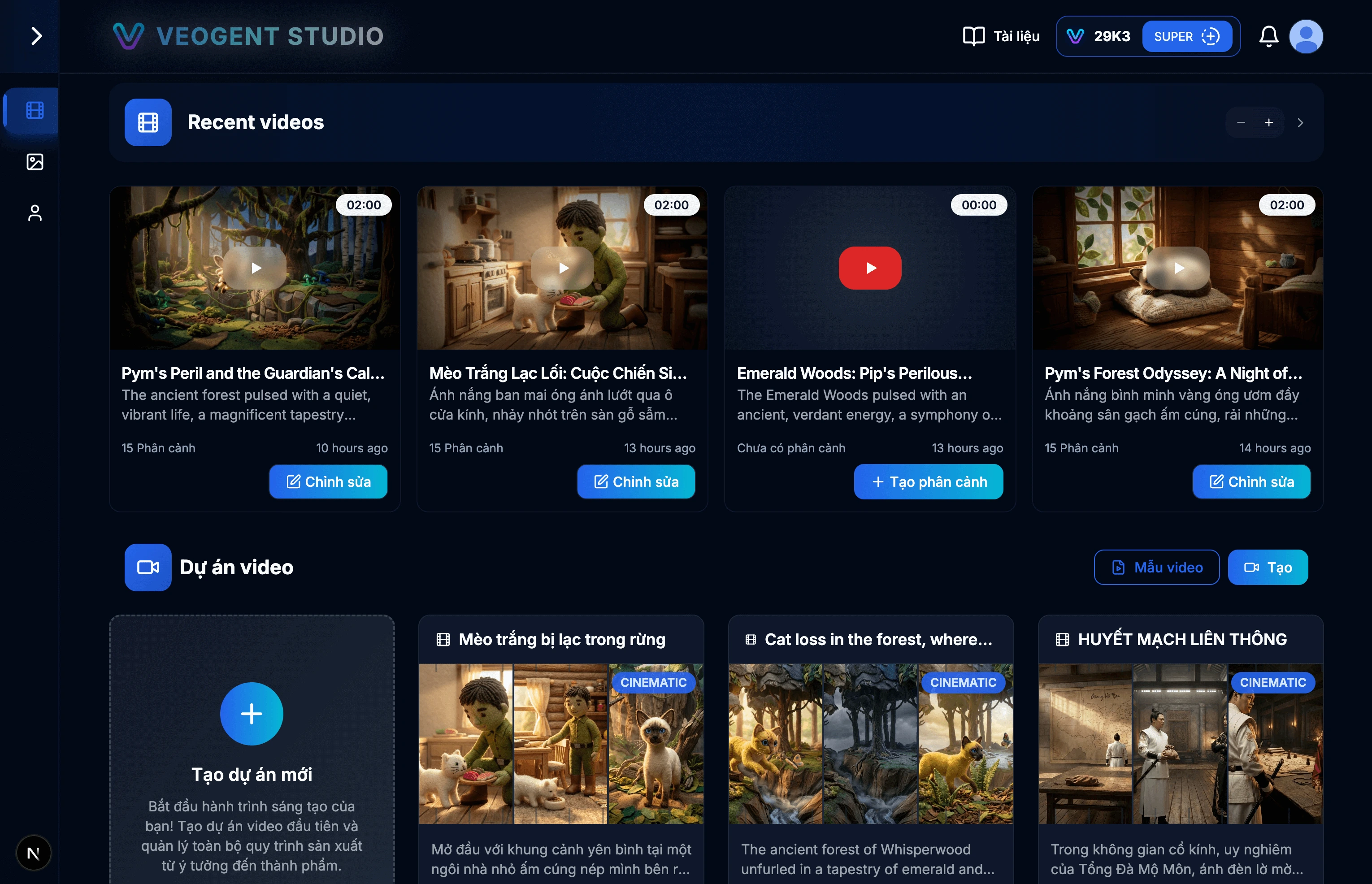
छवि: 1.1: VEOGENT STUDIO डैशबोर्ड
सुझाव और नोट्स:
- सुनिश्चित करें कि आपने सभी सुविधाओं तक पहुंचने के लिए सफलतापूर्वक लॉग इन किया है।
- नया प्रोजेक्ट शुरू करने से पहले अपना क्रेडिट बैलेंस जांचें।
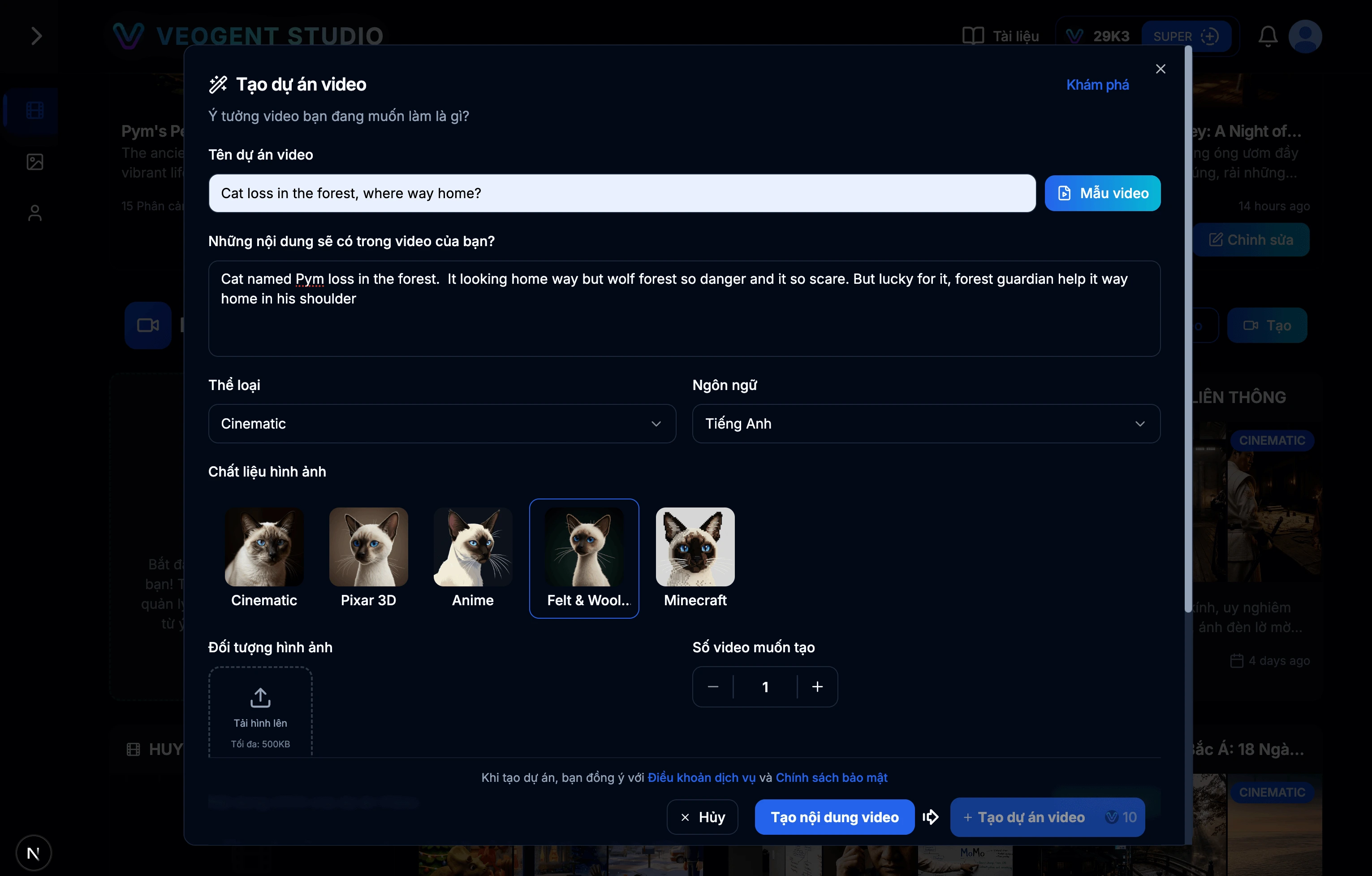
छवि: 2.1: प्रोजेक्ट निर्माण फॉर्म
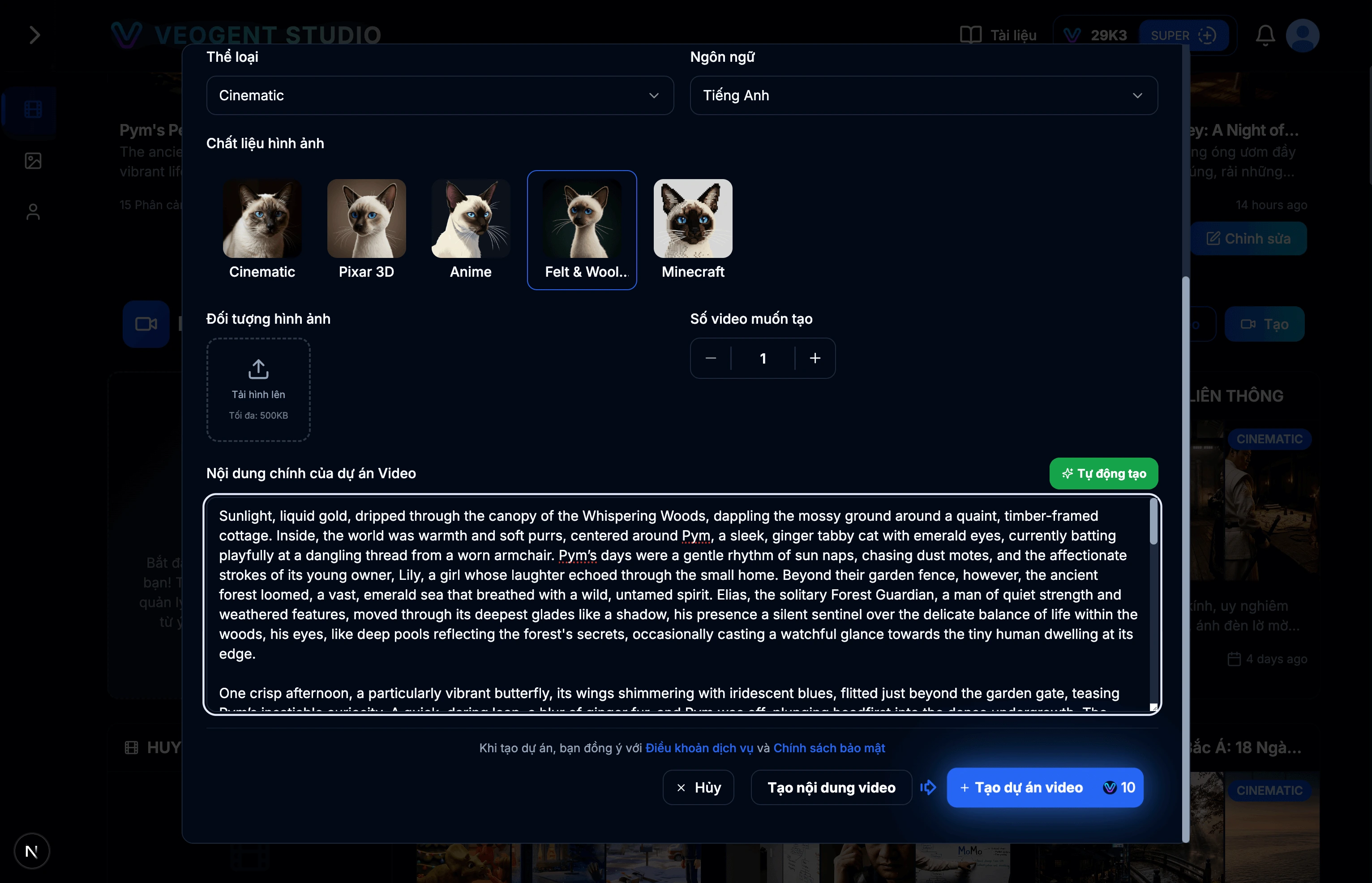
छवि: 2.2: AI का उपयोग करके प्रोजेक्ट विवरण बनाएं
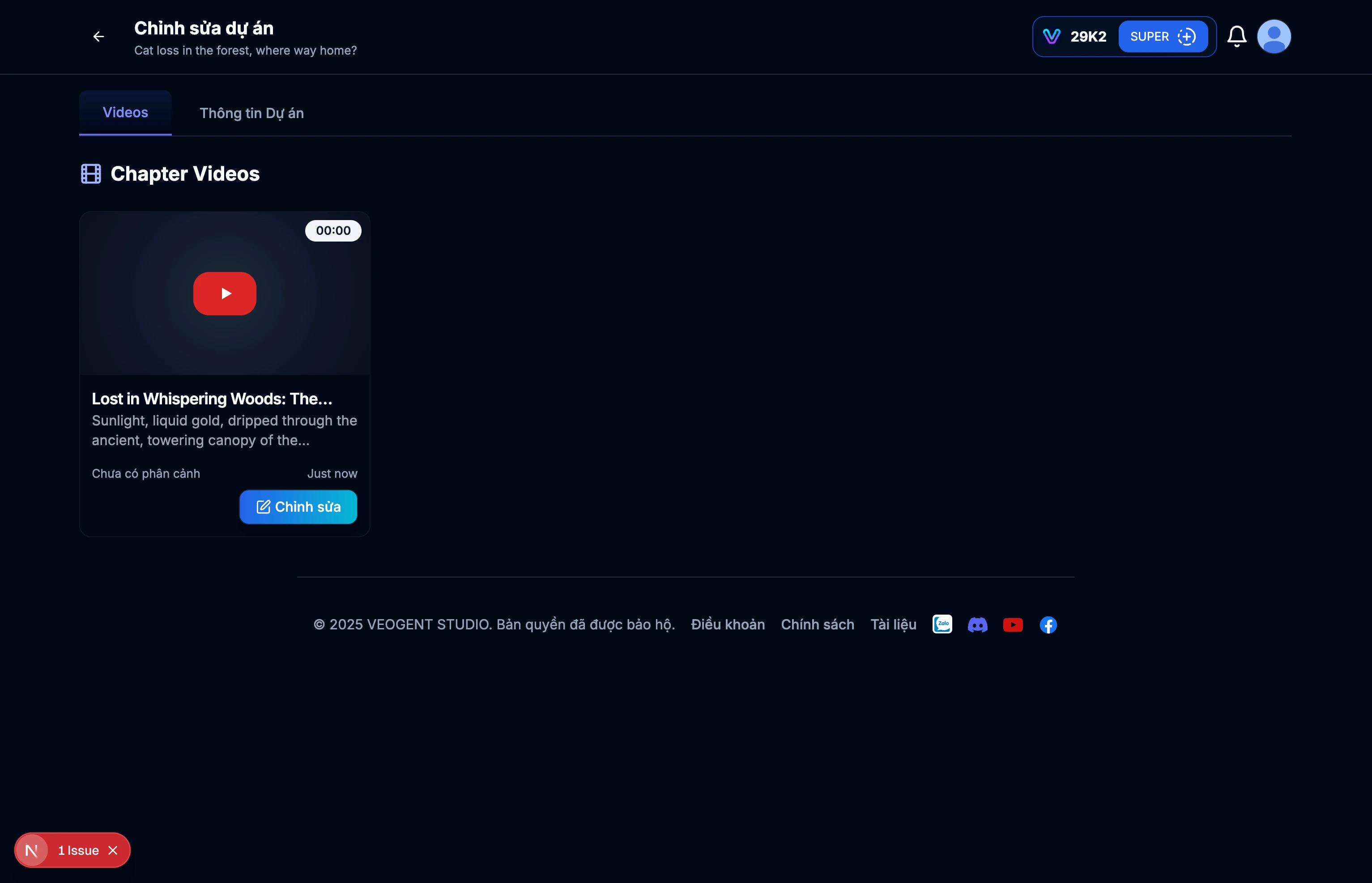
छवि: 2.3: प्रोजेक्ट विवरण पृष्ठ
सुझाव और नोट्स:
- बाद में आसान खोज के लिए सार्थक प्रोजेक्ट नामों का उपयोग करें।
- विविध इनपुट सामग्री का वर्णन करें ताकि AI आपके प्रोजेक्ट को बेहतर समझ सके और प्रासंगिक सामग्री बना सके।
- आप बाहरी स्रोतों से मैन्युअल रूप से प्रोजेक्ट विवरण इनपुट कर सकते हैं।
- प्रोजेक्ट विवरण तेज़ी से बनाने के लिए 'ऑटो जेनरेट' का उपयोग करें।
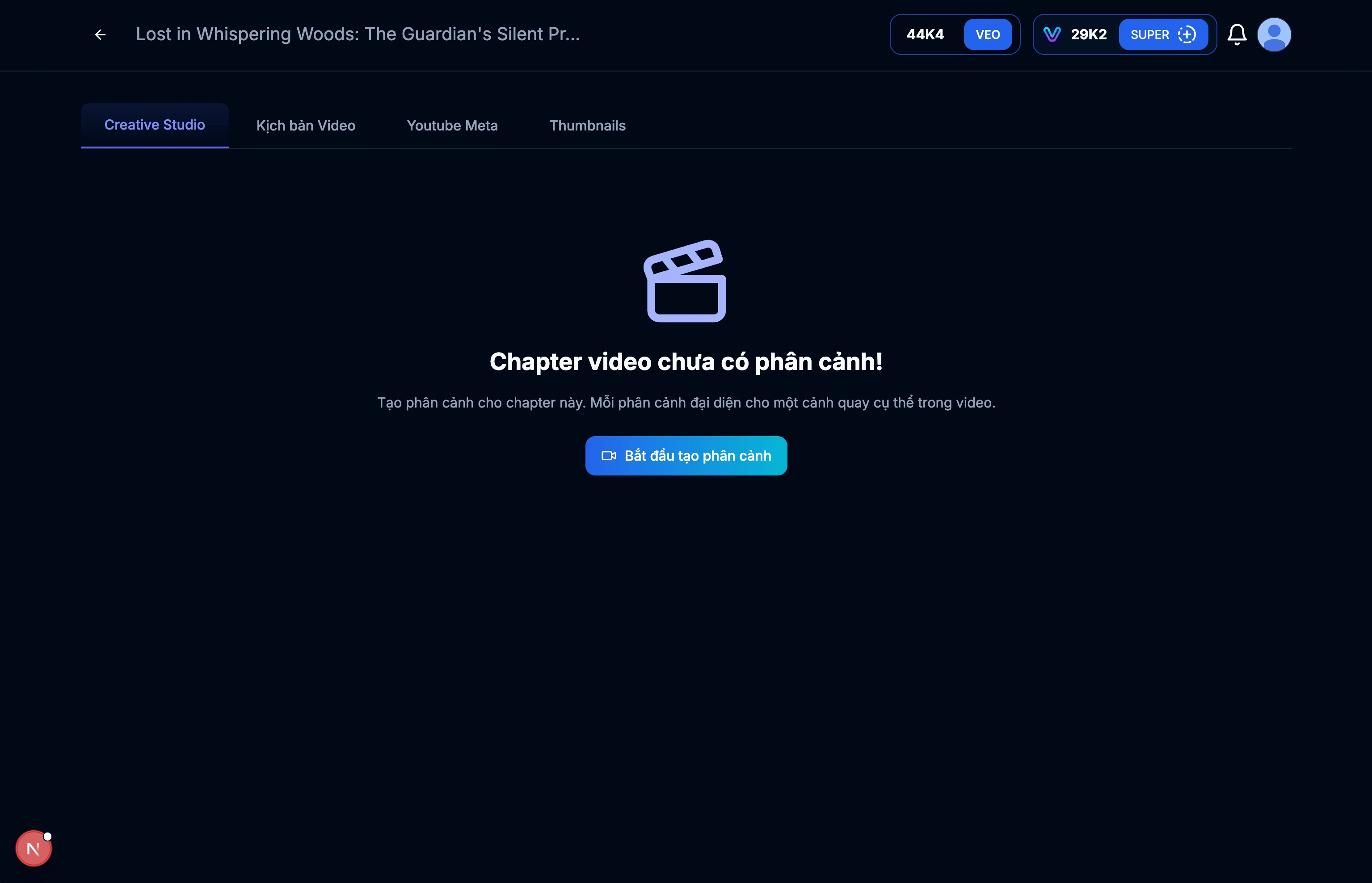
छवि: 3.1: वीडियो विवरण पृष्ठ
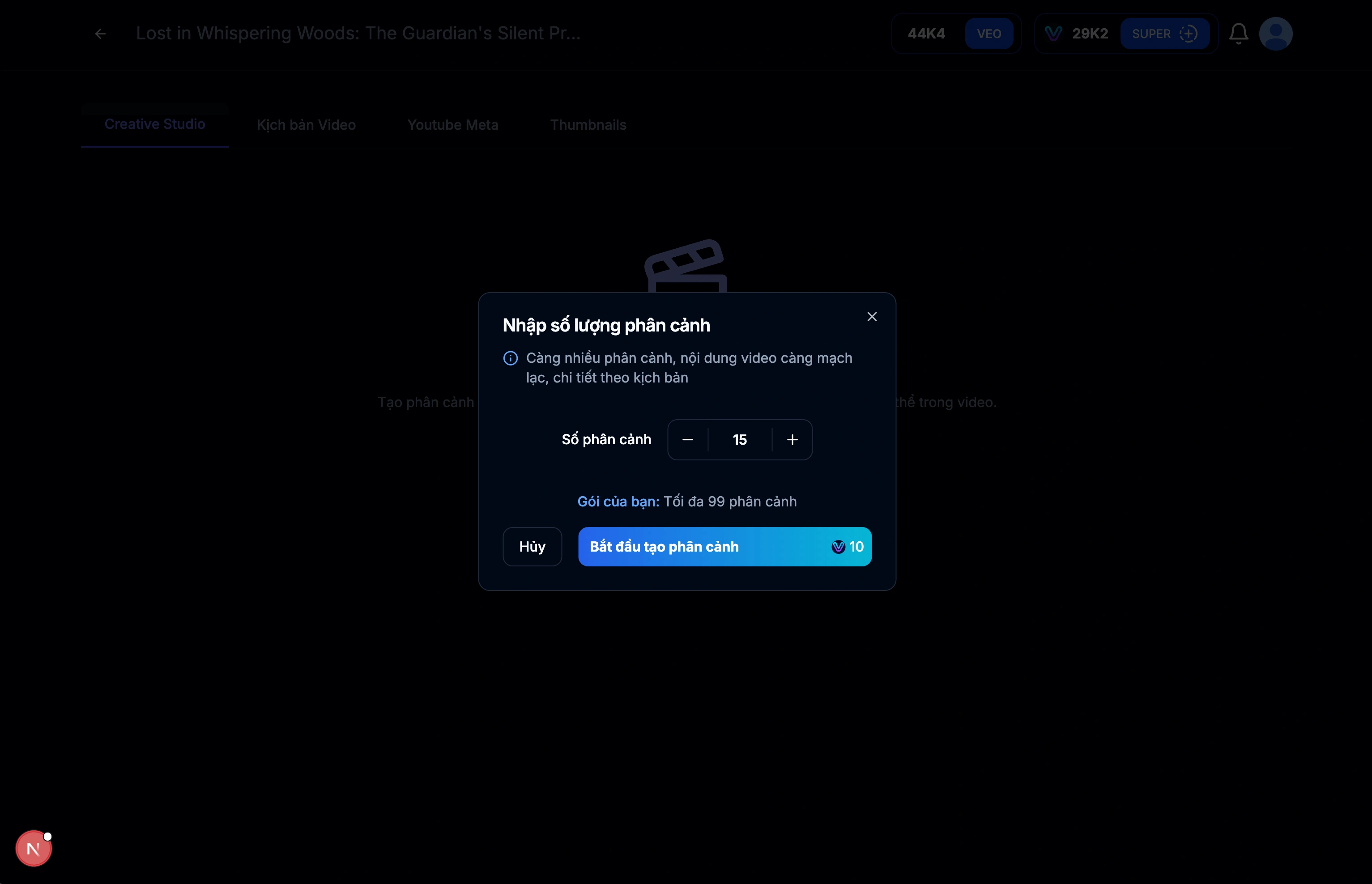
छवि: 3.2: वीडियो के लिए स्क्रिप्ट (दृश्य) बनाएं
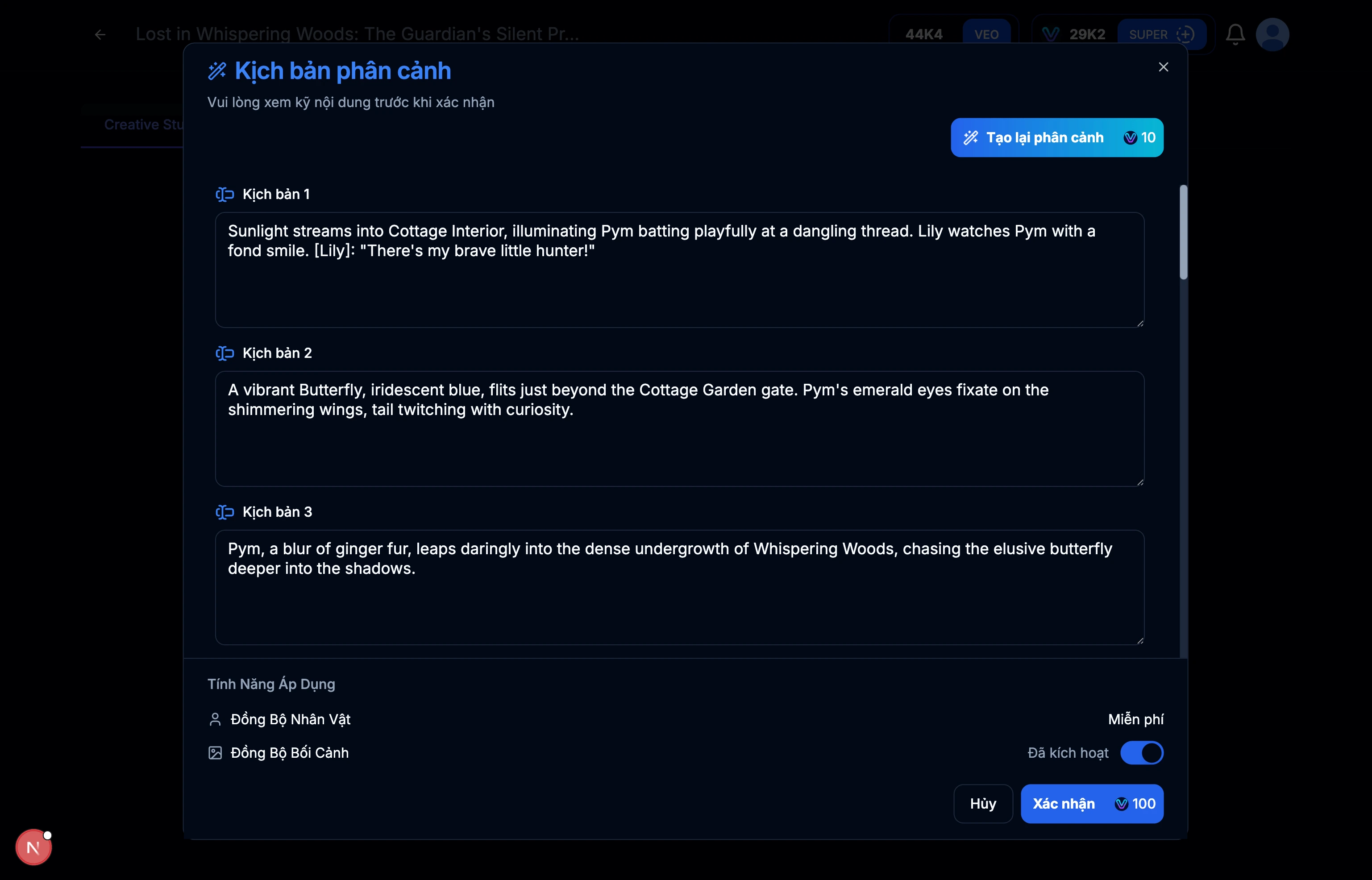
छवि: 3.3: प्रत्येक दृश्य के लिए स्क्रिप्ट परिणाम
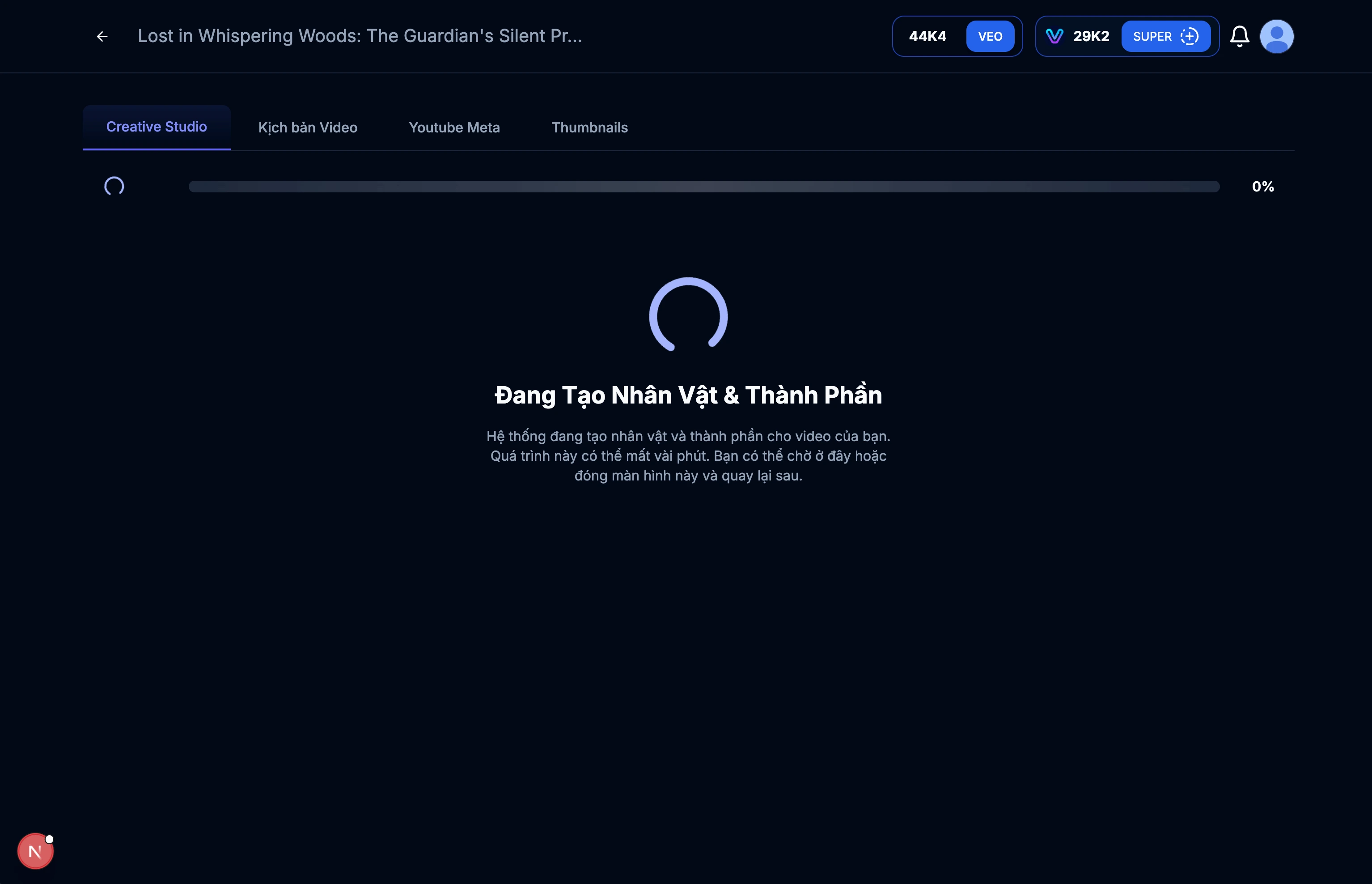
छवि: 3.4: चरित्र और संदर्भ बनाना
सुझाव और नोट्स:
- वीडियो स्क्रिप्ट सामग्री की समीक्षा करें और सुनिश्चित करें कि यह आपके उद्देश्यों के अनुरूप है।
- आवश्यकतानुसार सामग्री को संपादित करें।
- वीडियो की लंबाई दृश्यों की संख्या पर निर्भर करती है।
- अधिक दृश्यों का मतलब अधिक विस्तृत वीडियो स्क्रिप्ट है।
- दृश्य बनाते समय वीडियो की अवधि और लय पर विचार करें।
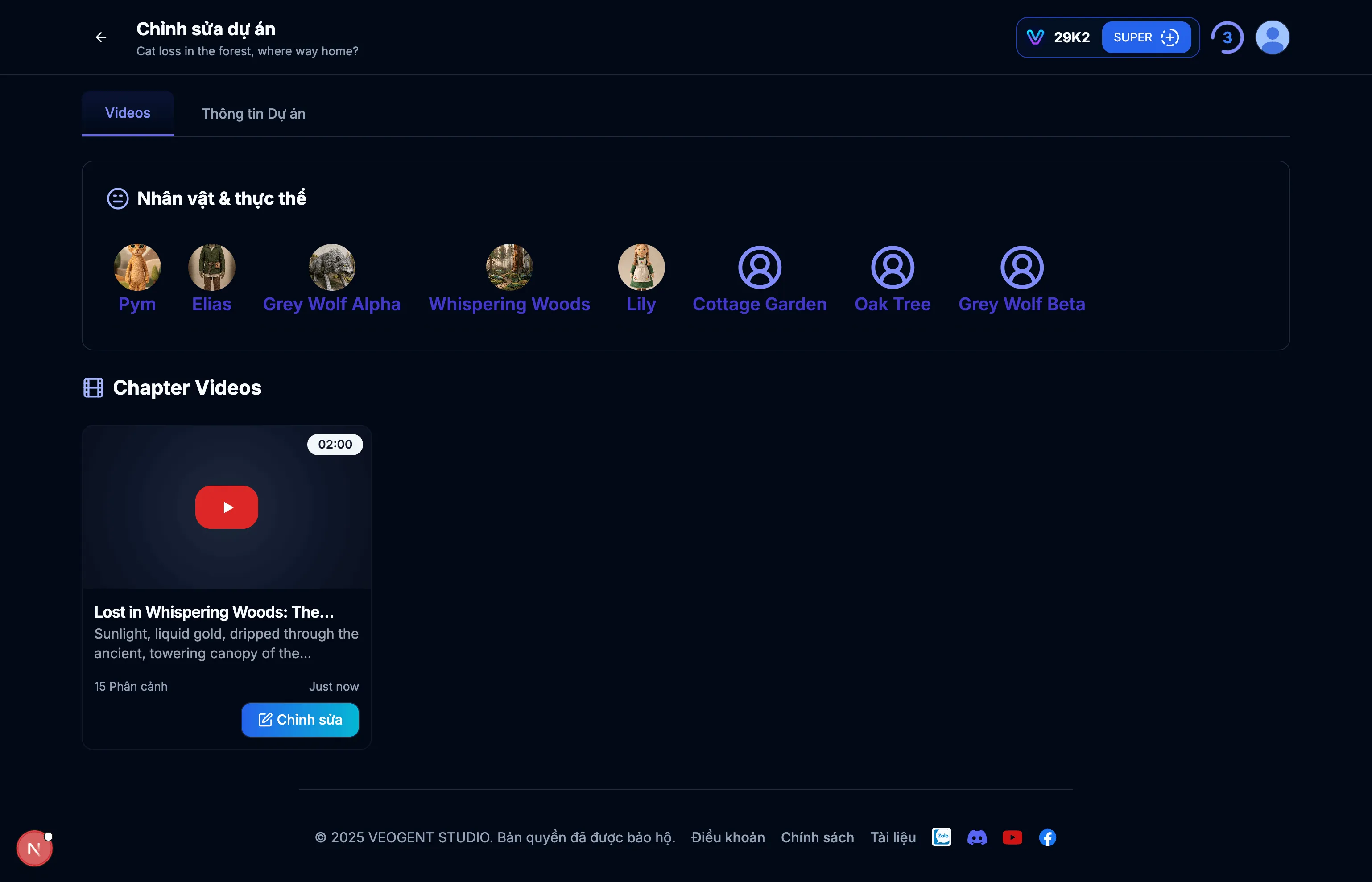
छवि: 4.1: चरित्र प्रबंधन इंटरफेस
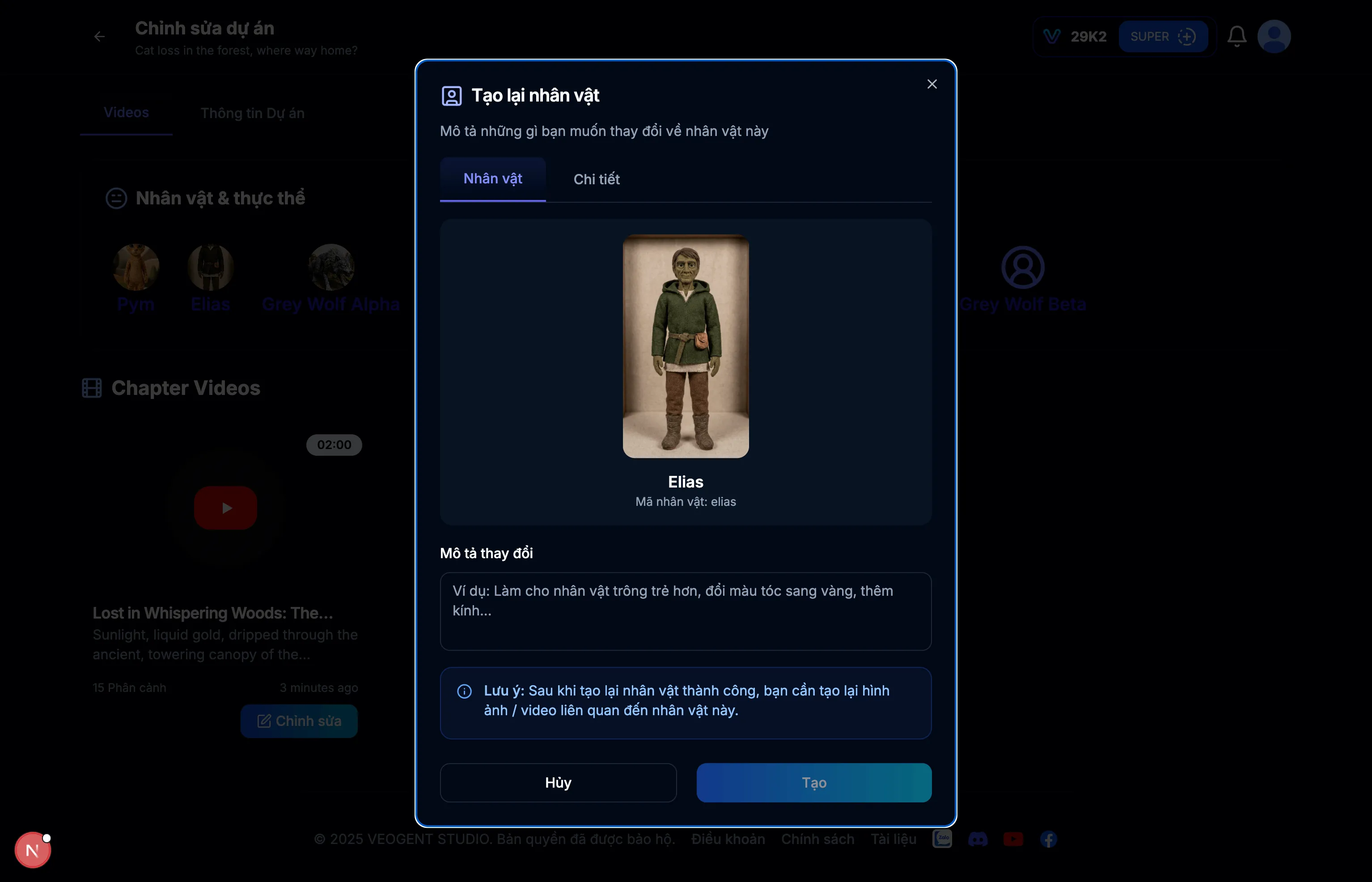
छवि: 4.2: चरित्र विवरण
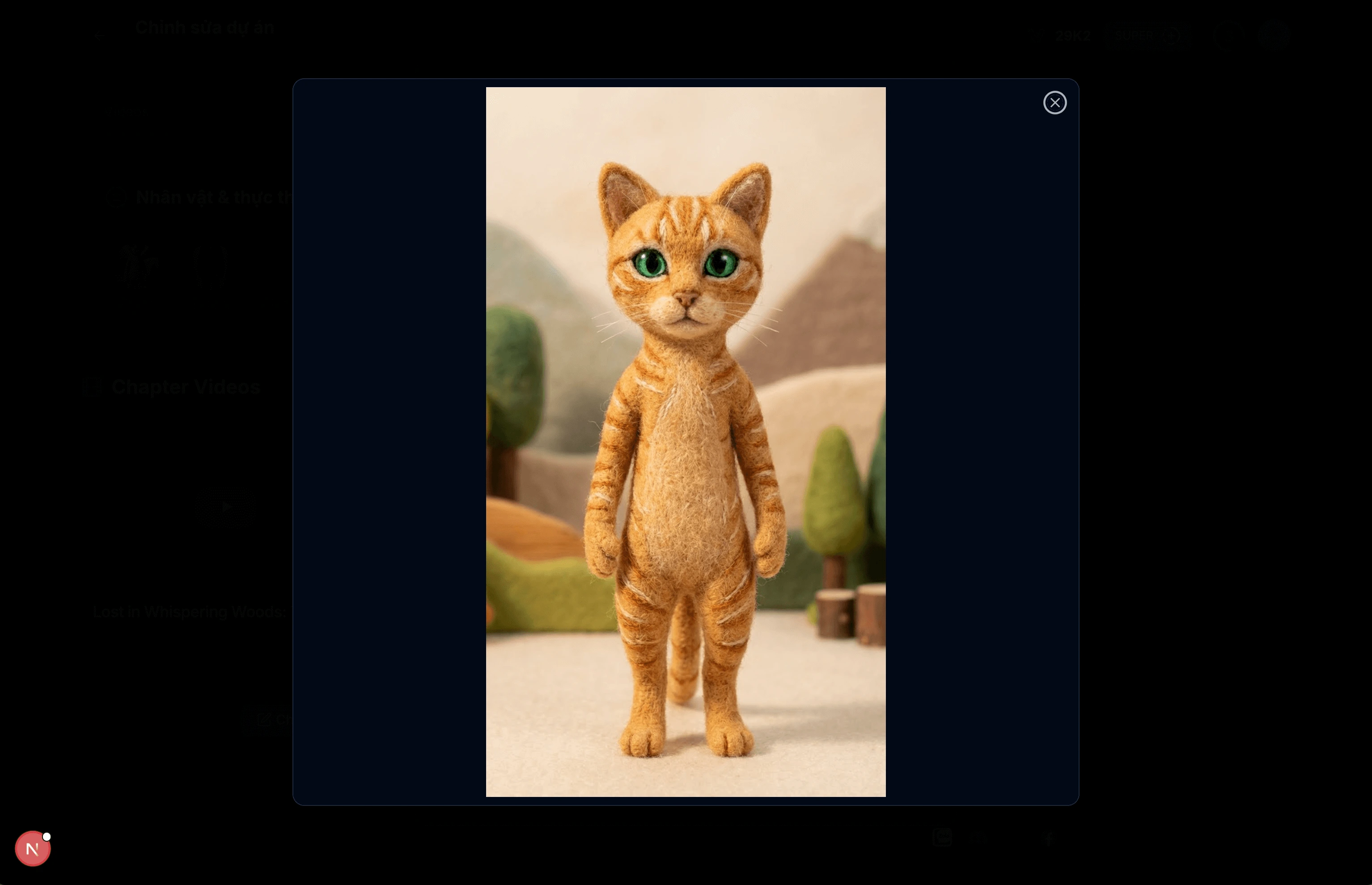
छवि: 4.3: चरित्र विस्तृत छवि
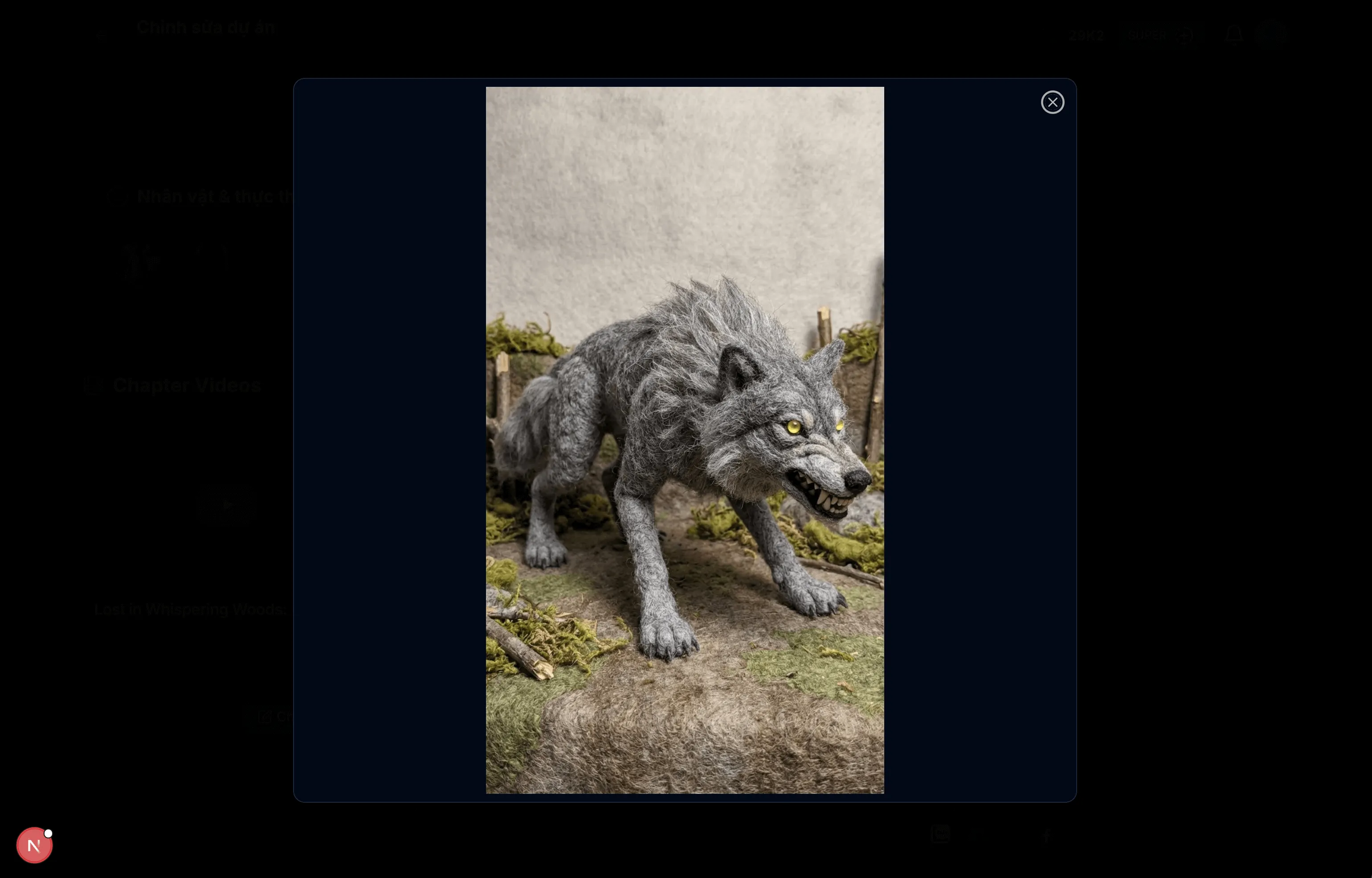
छवि: 4.4: चरित्र विस्तृत छवि
सुझाव और नोट्स:
- चरित्र विवरण देखने और प्रबंधित करने के लिए इस इंटरफ़ेस का उपयोग करें।
- आप आवश्यकतानुसार चरित्र छवियां पुनः उत्पन्न कर सकते हैं।
- बेहतर AI जनरेशन के लिए सुनिश्चित करें कि चरित्र विवरण सटीक हैं।
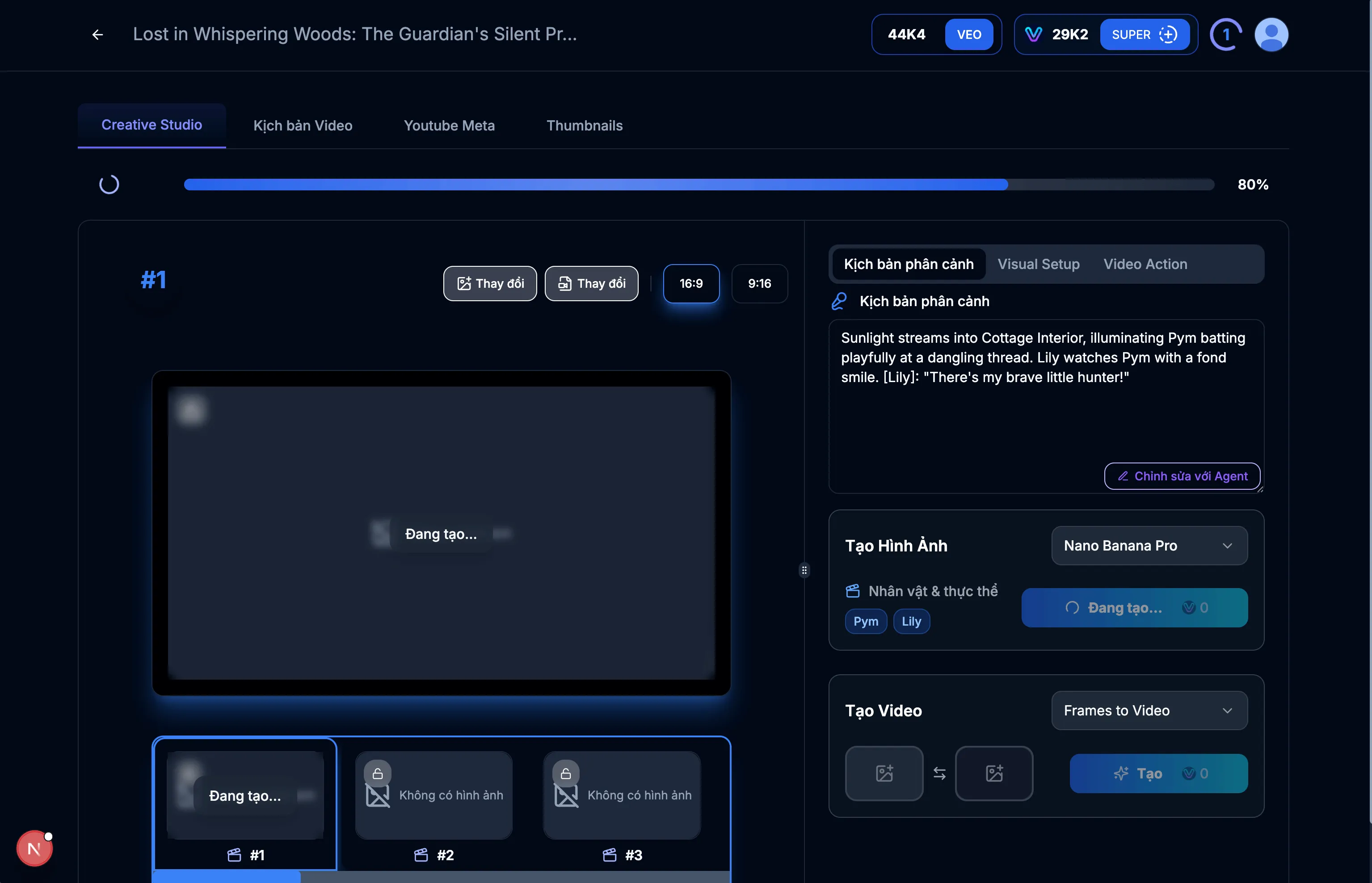
छवि: 5.1: Creative Studio
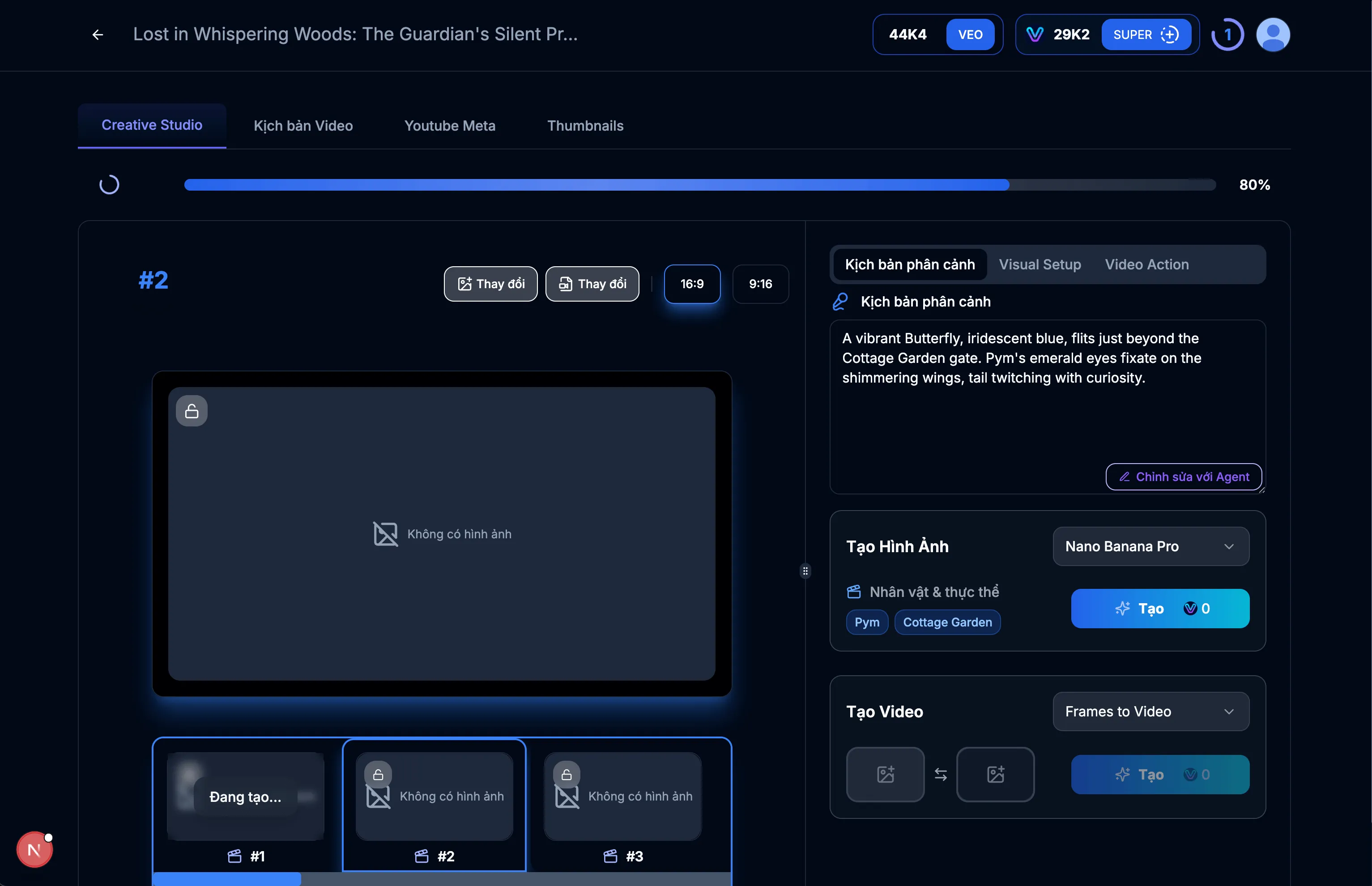
छवि: 5.2: दृश्य #1 के लिए छवि बनाएं
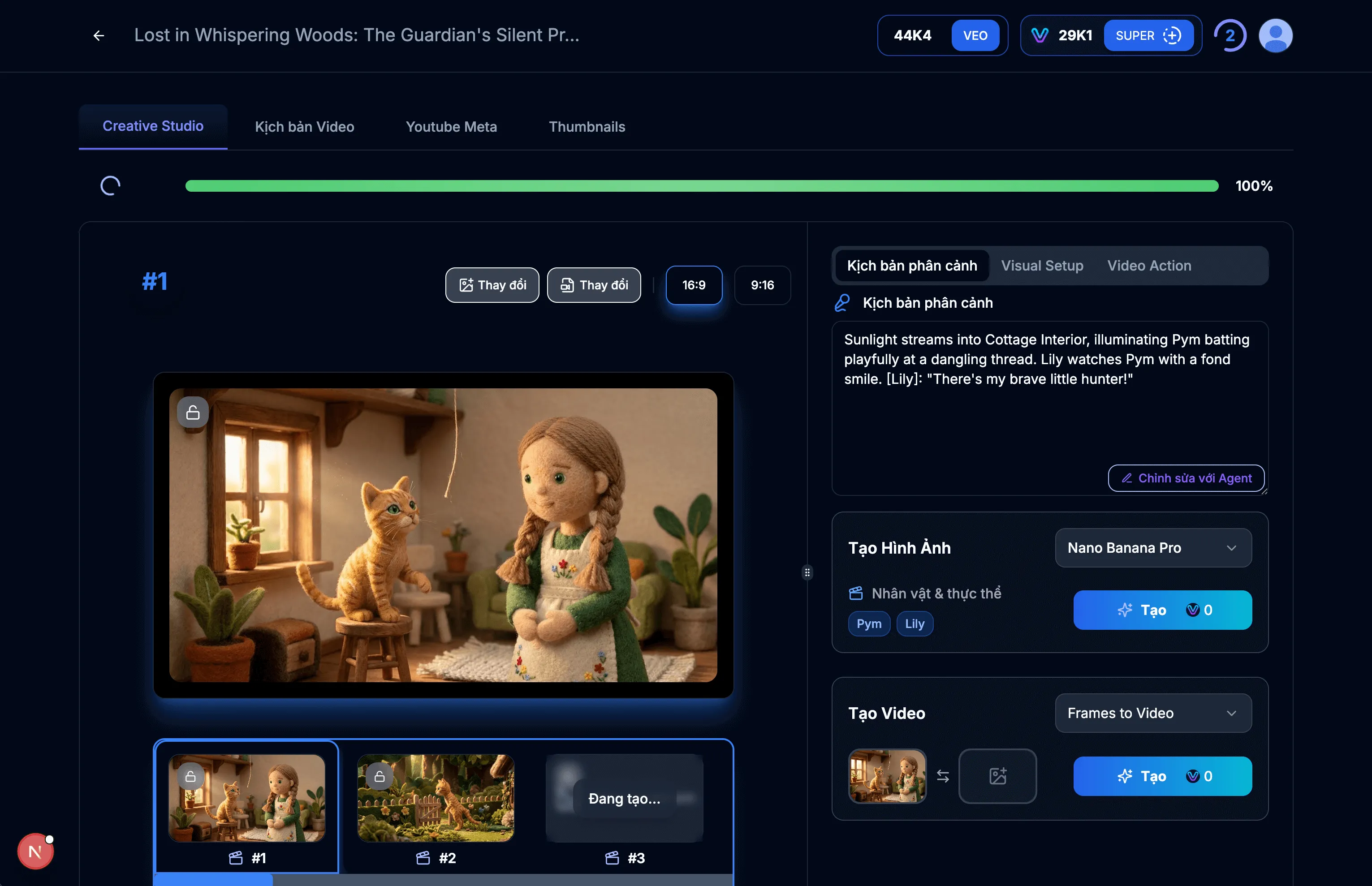
छवि: 5.3: दृश्य #1 छवि प्रदर्शित करें
सुझाव और नोट्स:
- दृश्य के हर विवरण को फ़ाइन-ट्यून करने के लिए इस इंटरफ़ेस का उपयोग करें।
- सुनिश्चित करें कि निर्देश स्पष्ट हैं ताकि AI वह सामग्री उत्पन्न कर सके जो आप चाहते हैं।
- आप आवश्यकतानुसार विभिन्न छवियां पुनः उत्पन्न कर सकते हैं।
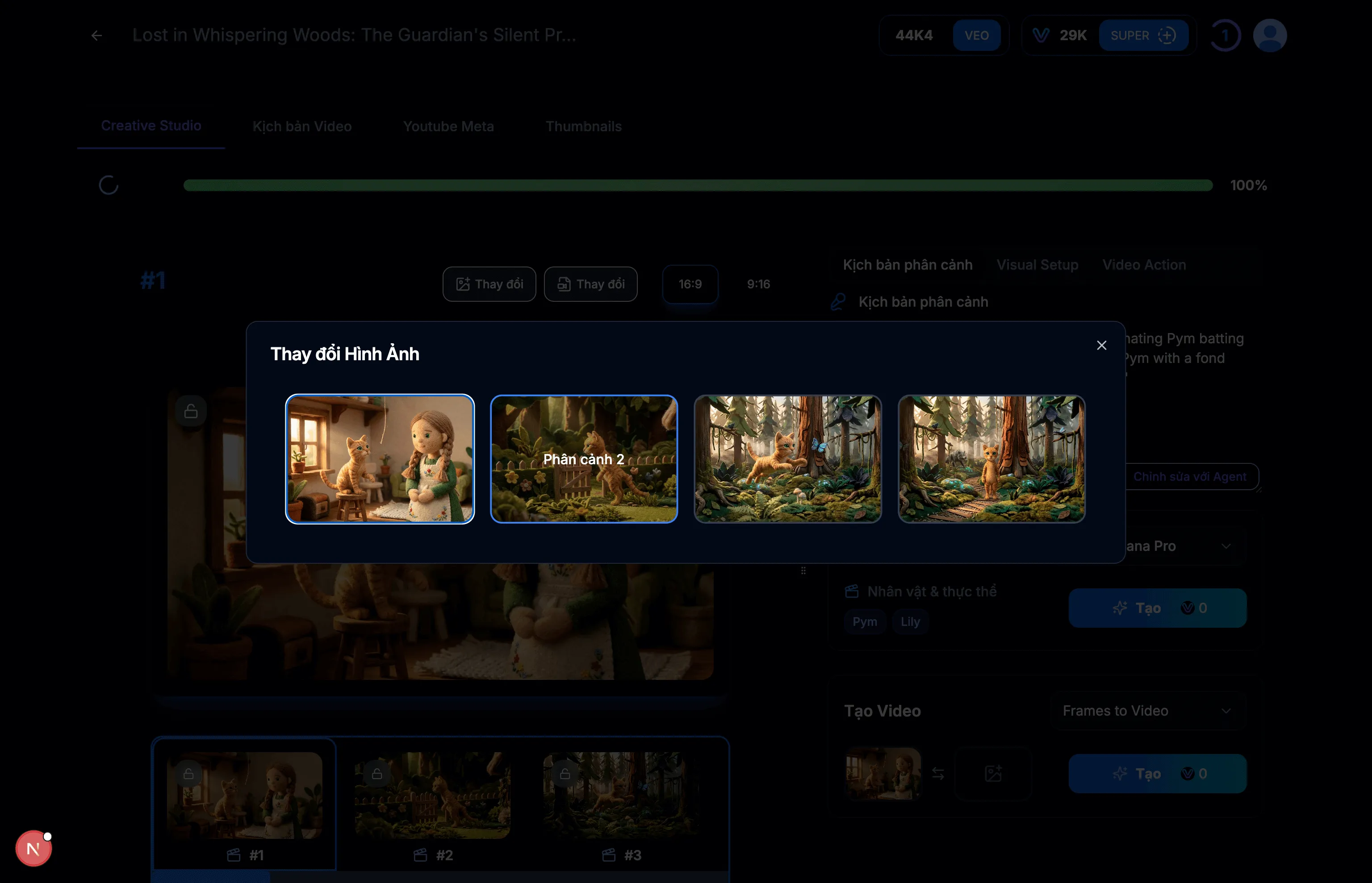
छवि: 6.1: एंड फ्रेम के रूप में दृश्य #2 चुनें
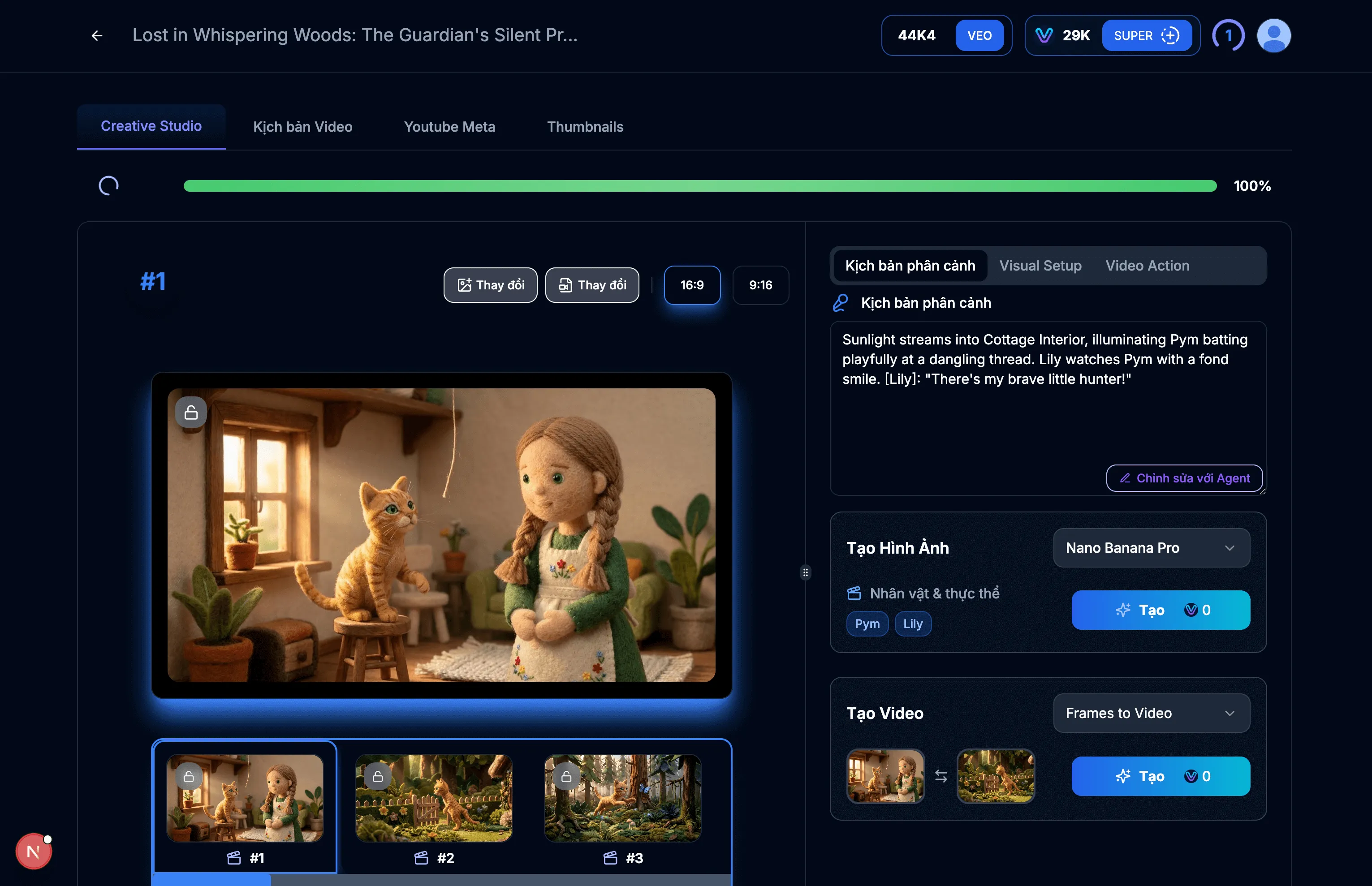
छवि: 6.2: दृश्य के लिए वीडियो बनाएं
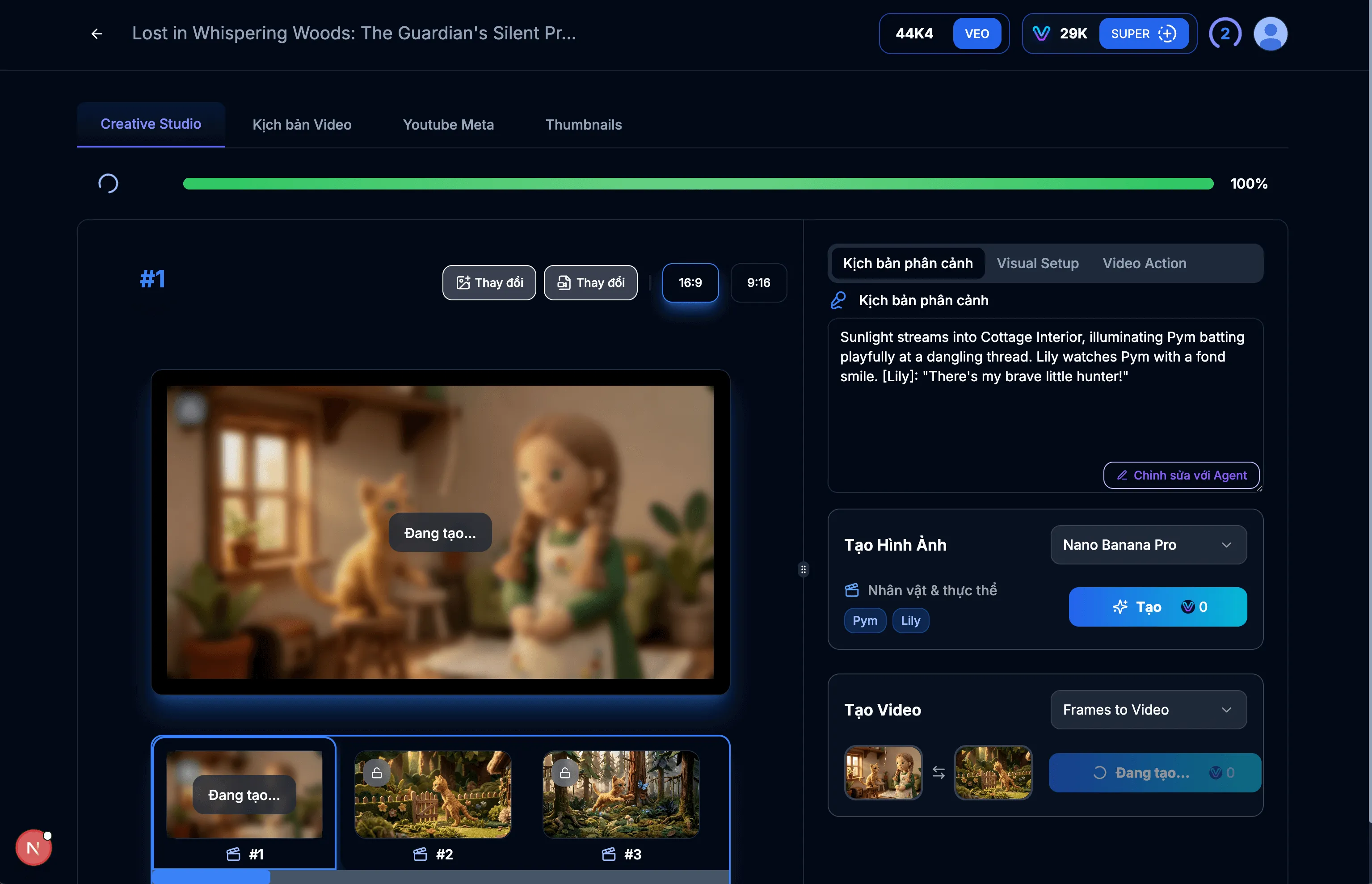
छवि: 6.3: वीडियो बनाया जा रहा है
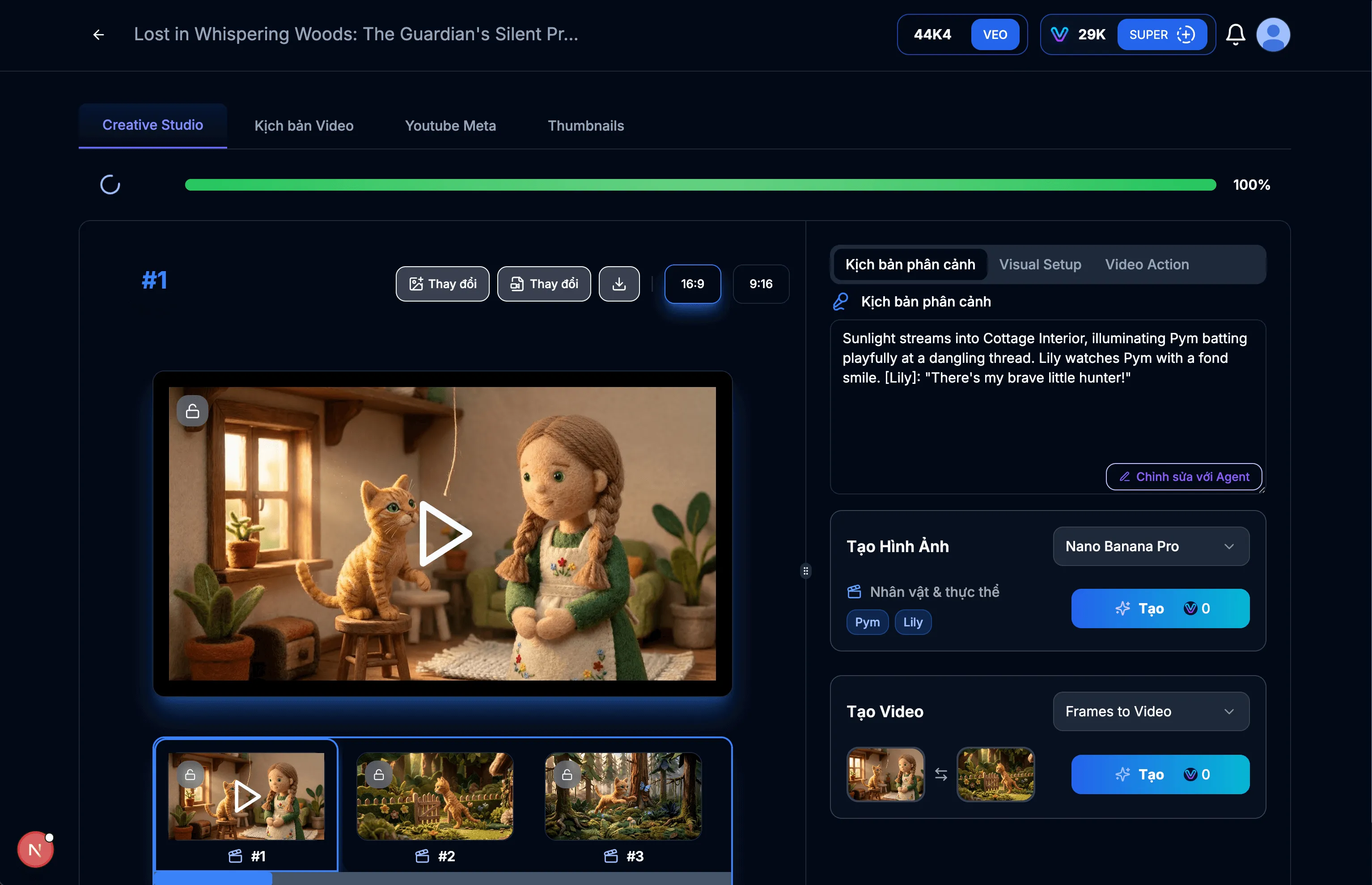
छवि: 6.4: वीडियो सफलतापूर्वक बनाया गया
सुझाव और नोट्स:
- यदि आप वीडियो से संतुष्ट नहीं हैं, तो आप दूसरा बना सकते हैं।
अपने Flow प्राधिकरण कुंजियों को ठीक से सेट और प्रबंधित करना VEOGENT STUDIO की वीडियो जनरेशन क्षमताओं की पूर्ण क्षमता को अनलॉक करने के लिए महत्वपूर्ण है। इस गाइड का पालन करके, आपने सीखा है कि अपने Flow कुंजियों को कैसे एक्सेस, जनरेट, कॉपी और अपडेट करें।
याद रखें कि वीडियो जनरेशन सुविधाओं तक निर्बाध पहुंच सुनिश्चित करने के लिए समय-समय पर अपने Flow क्रेडिट स्थिति की जांच करें और आवश्यकतानुसार अपने कुंजियों को अपडेट करें।