일관된 캐릭터 비디오 만들기
고품질 일관된 캐릭터 비디오를 만들기 위한 단계별 가이드
VEOGENT STUDIO는 다양한 비디오에서 일관된 캐릭터를 가진 비디오를 만들 수 있는 강력한 도구를 제공합니다. 이 가이드는 단계별 프로세스를 통해 일관된 캐릭터를 가진 전문적인 비디오를 만드는 데 도움이 됩니다.
새 프로젝트 생성부터 완전한 비디오 제작까지, VEOGENT STUDIO의 모든 기능을 사용하여 최상의 결과를 얻는 방법을 배웁니다.
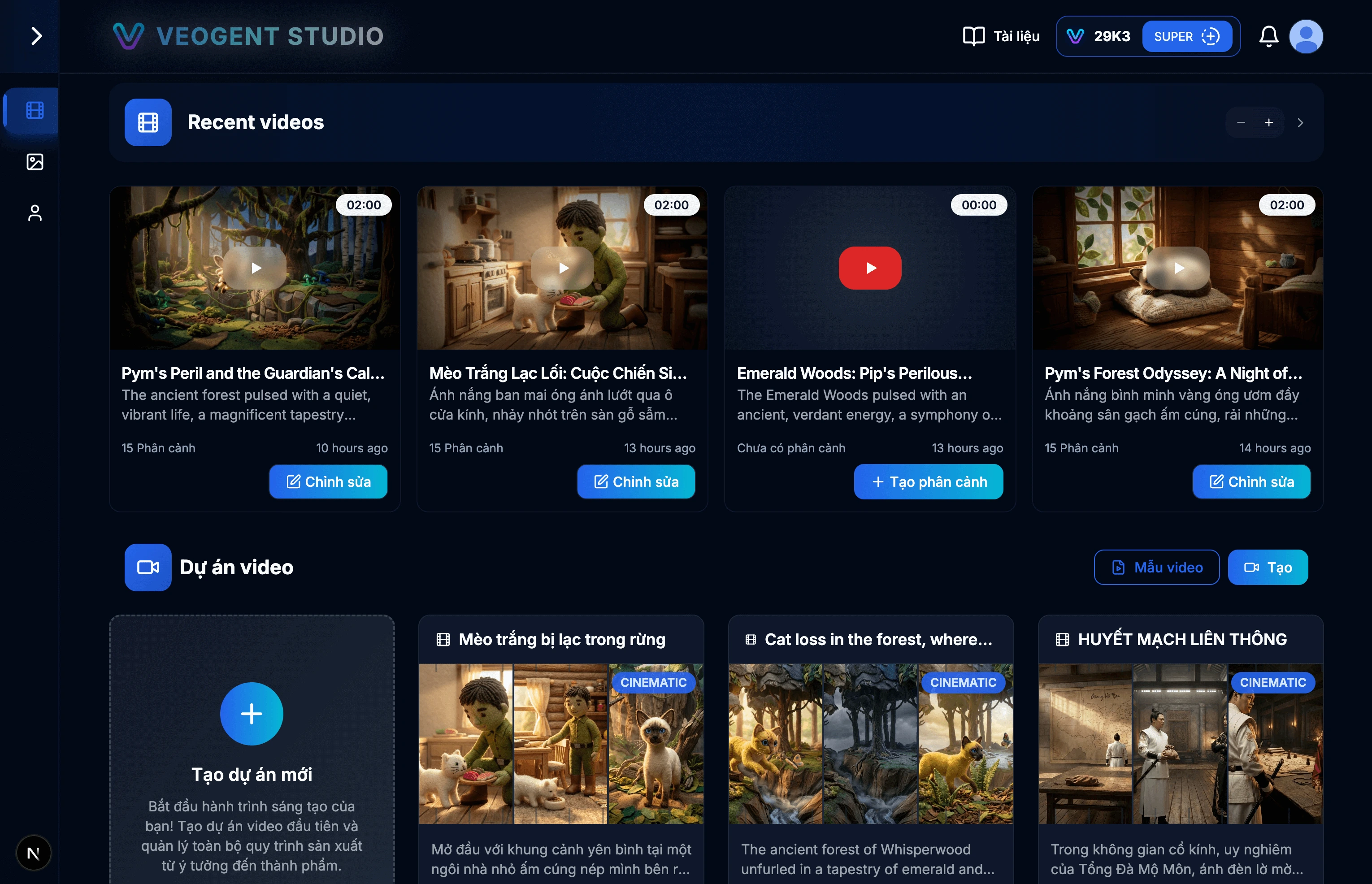
이미지: 1.1: VEOGENT STUDIO 대시보드
팁 & 참고사항:
- 모든 기능에 액세스하려면 성공적으로 로그인했는지 확인하세요.
- 새 프로젝트를 시작하기 전에 크레딧 잔액을 확인하세요.
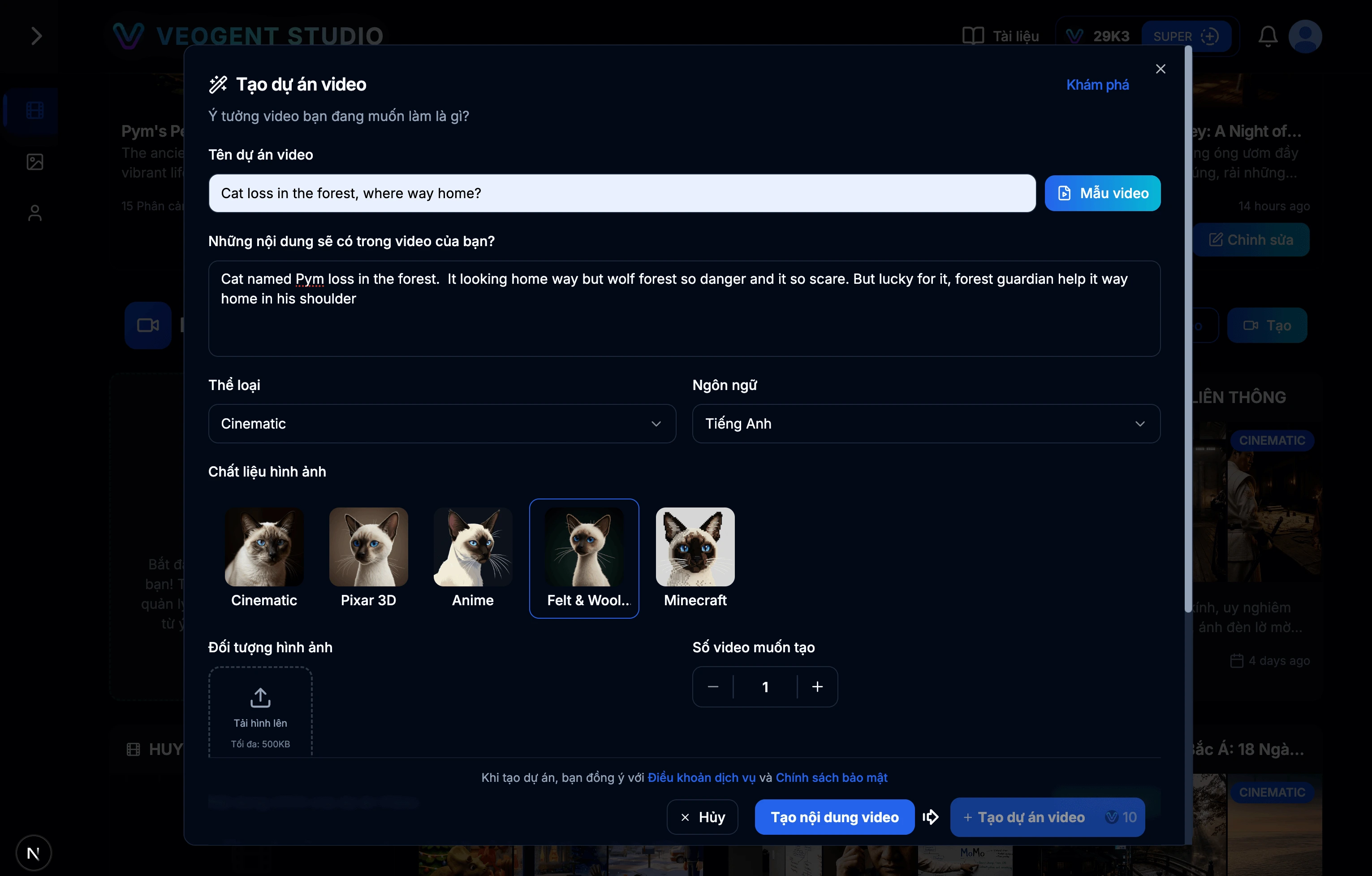
이미지: 2.1: 프로젝트 생성 양식
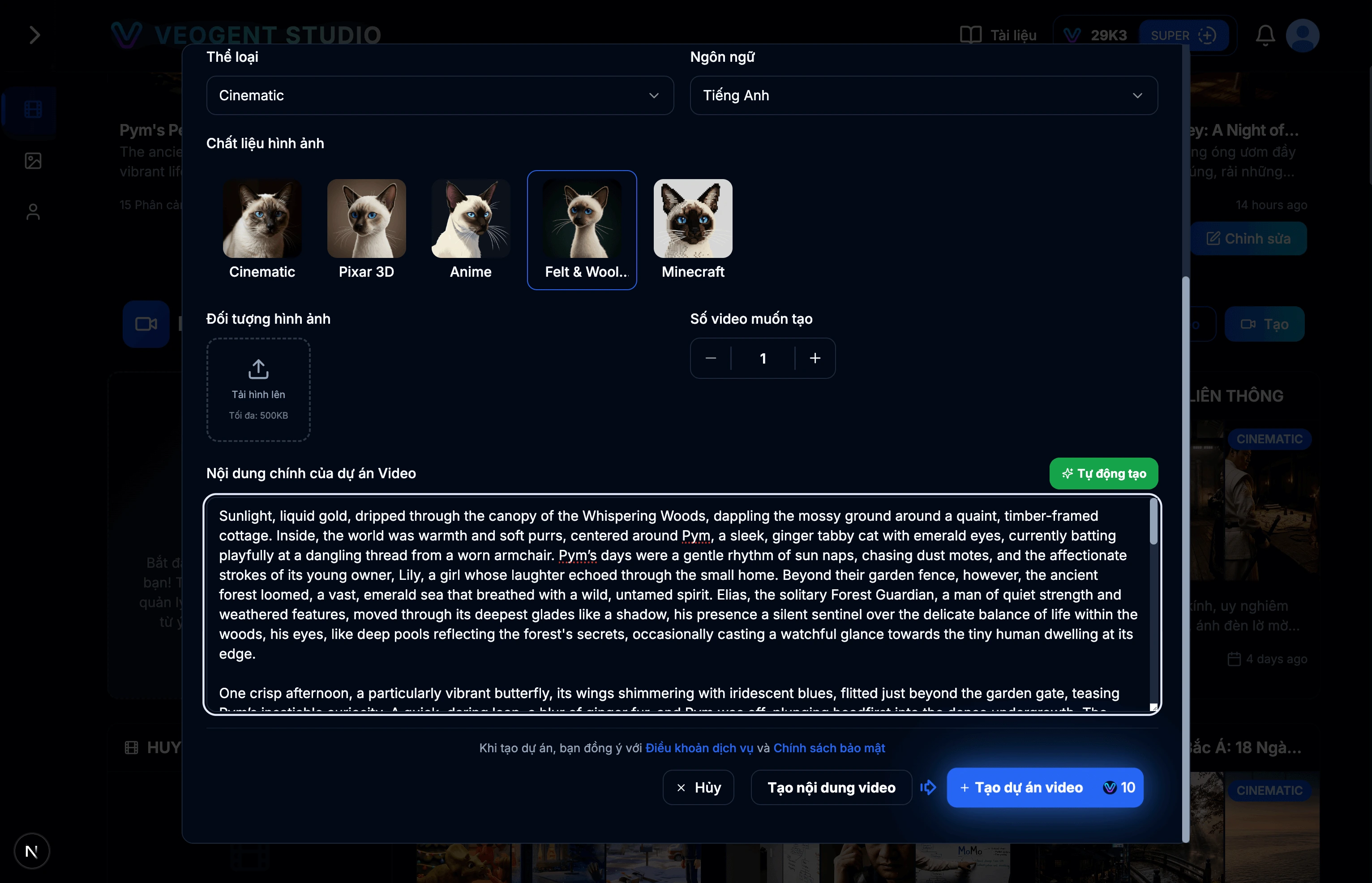
이미지: 2.2: AI를 사용하여 프로젝트 설명 만들기
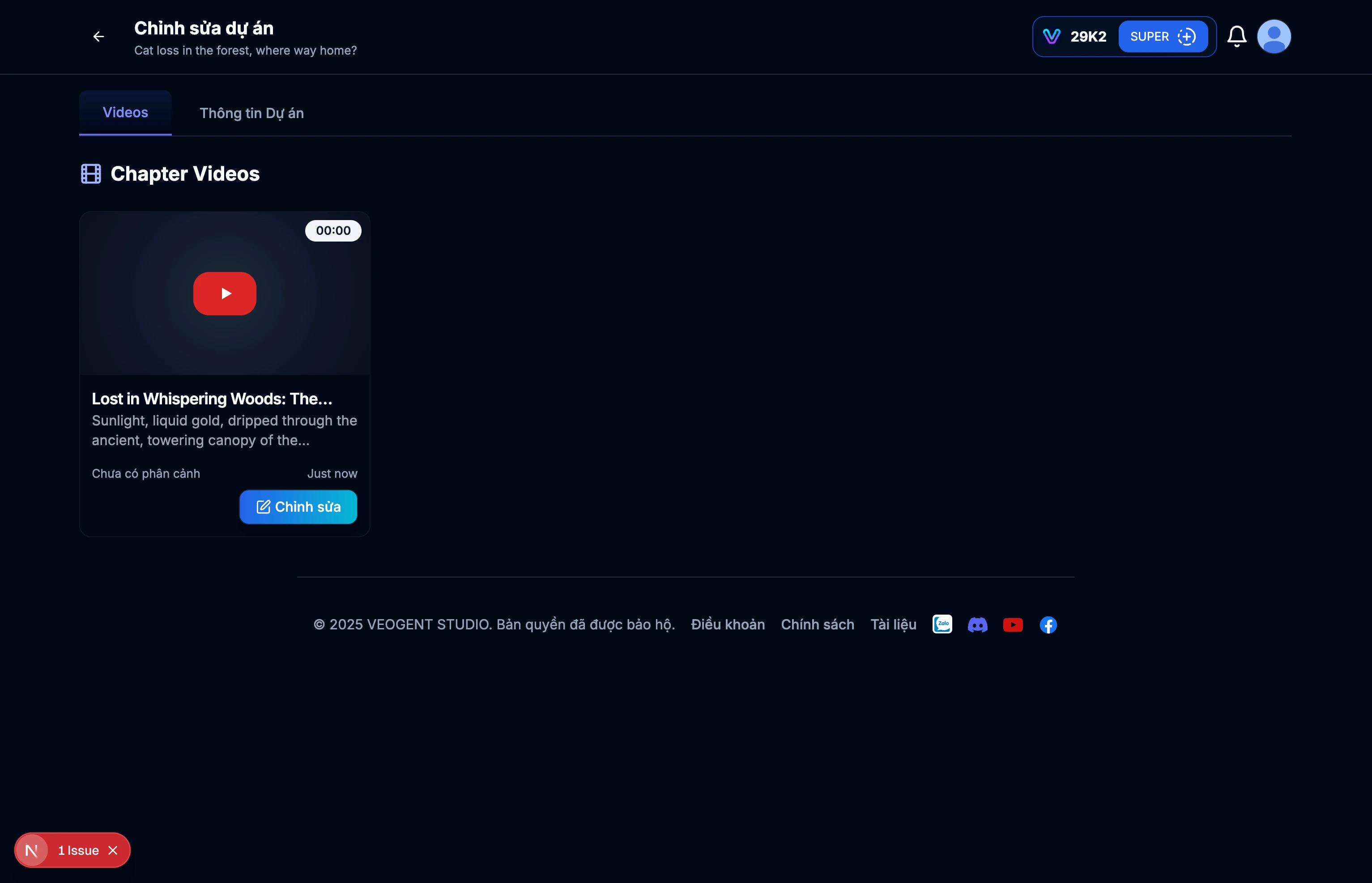
이미지: 2.3: 프로젝트 세부 정보 페이지
팁 & 참고사항:
- 나중에 쉽게 검색할 수 있도록 의미 있는 프로젝트 이름을 사용하세요.
- AI가 프로젝트를 더 잘 이해하고 관련 콘텐츠를 만들 수 있도록 다양한 입력 내용을 설명하세요.
- 외부 소스에서 수동으로 프로젝트 설명을 입력할 수 있습니다.
- '자동 생성'을 사용하여 프로젝트 설명을 빠르게 만드세요.
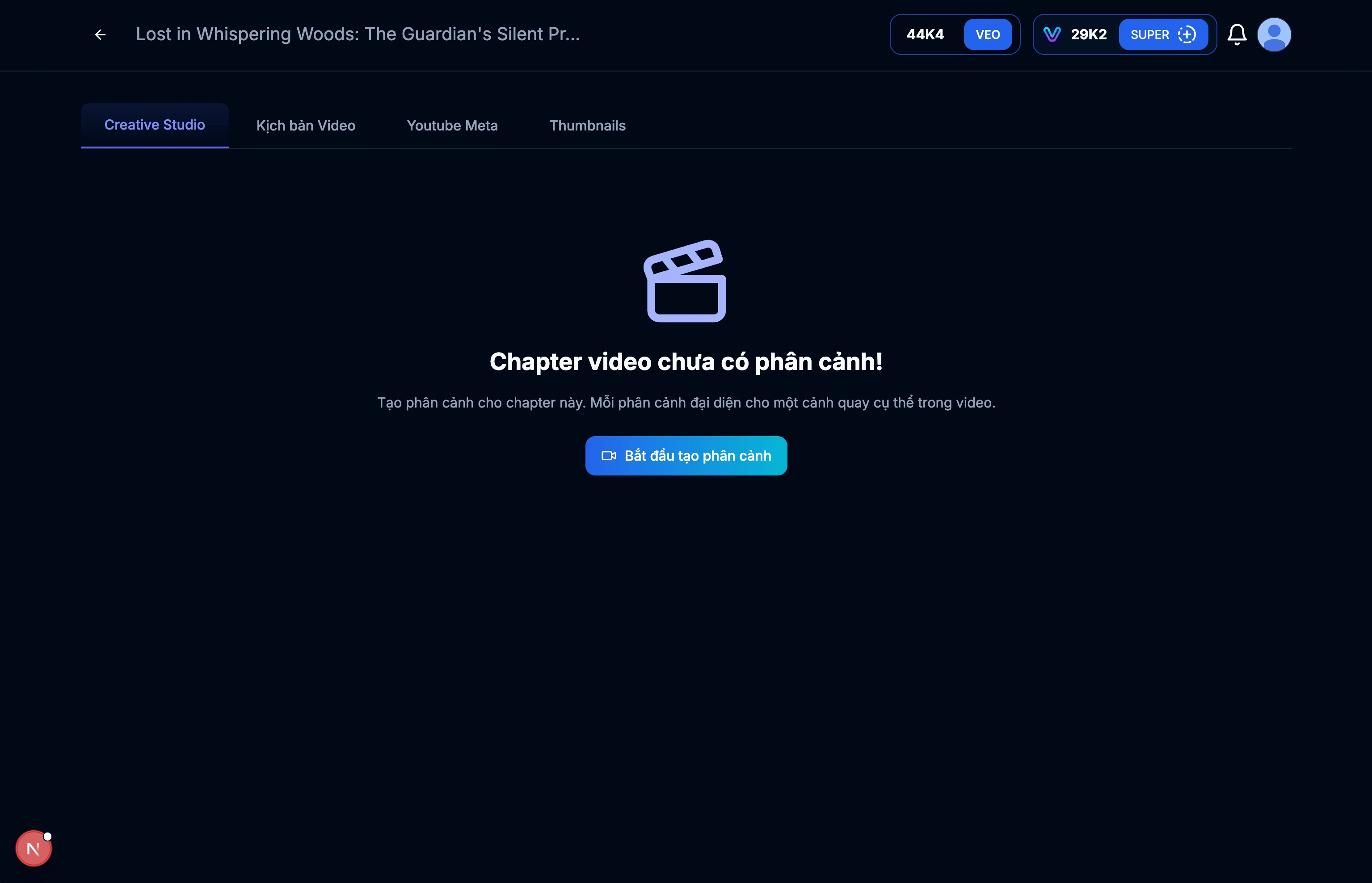
이미지: 3.1: 비디오 세부 정보 페이지
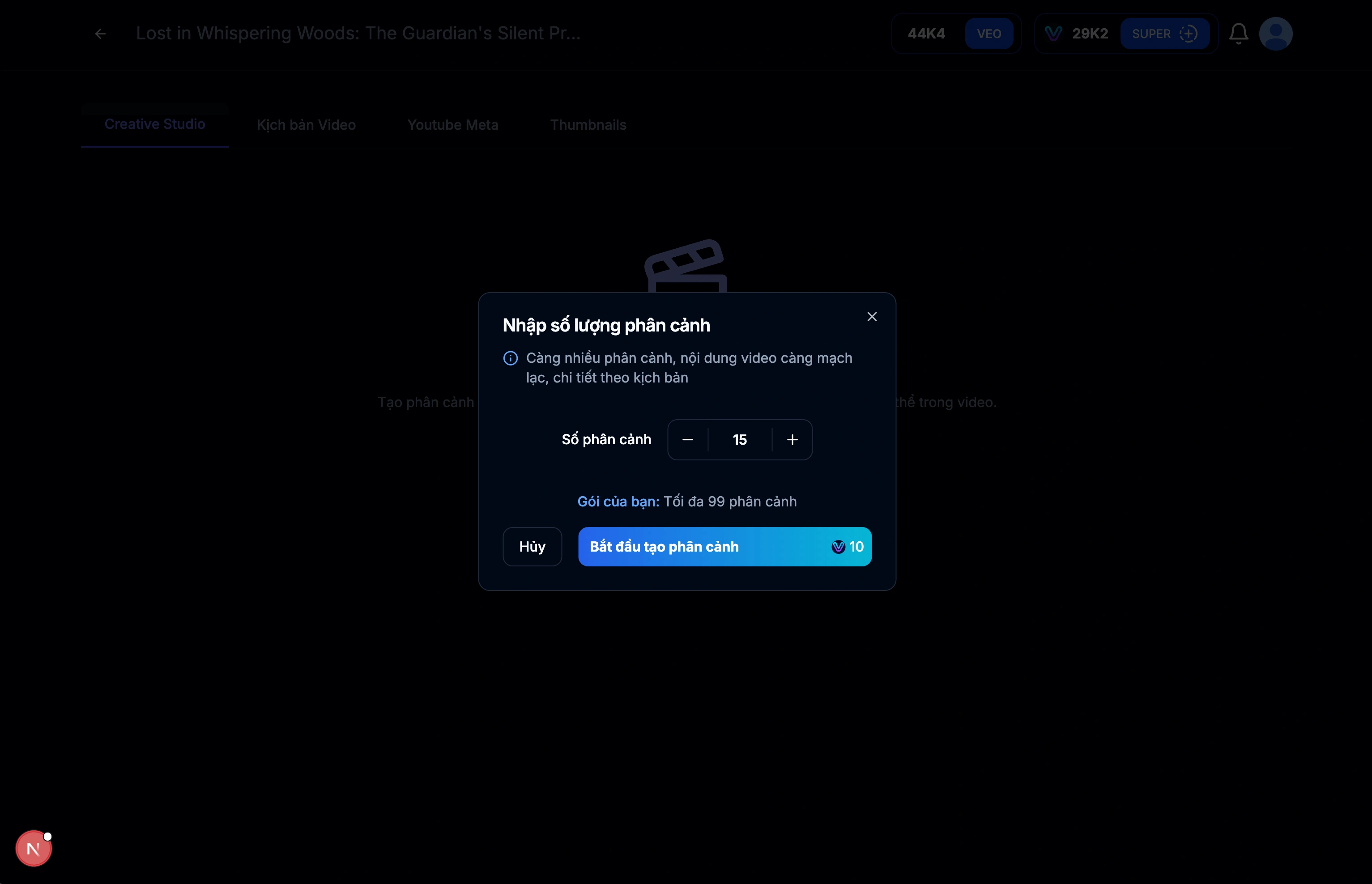
이미지: 3.2: 비디오용 스크립트(장면) 만들기
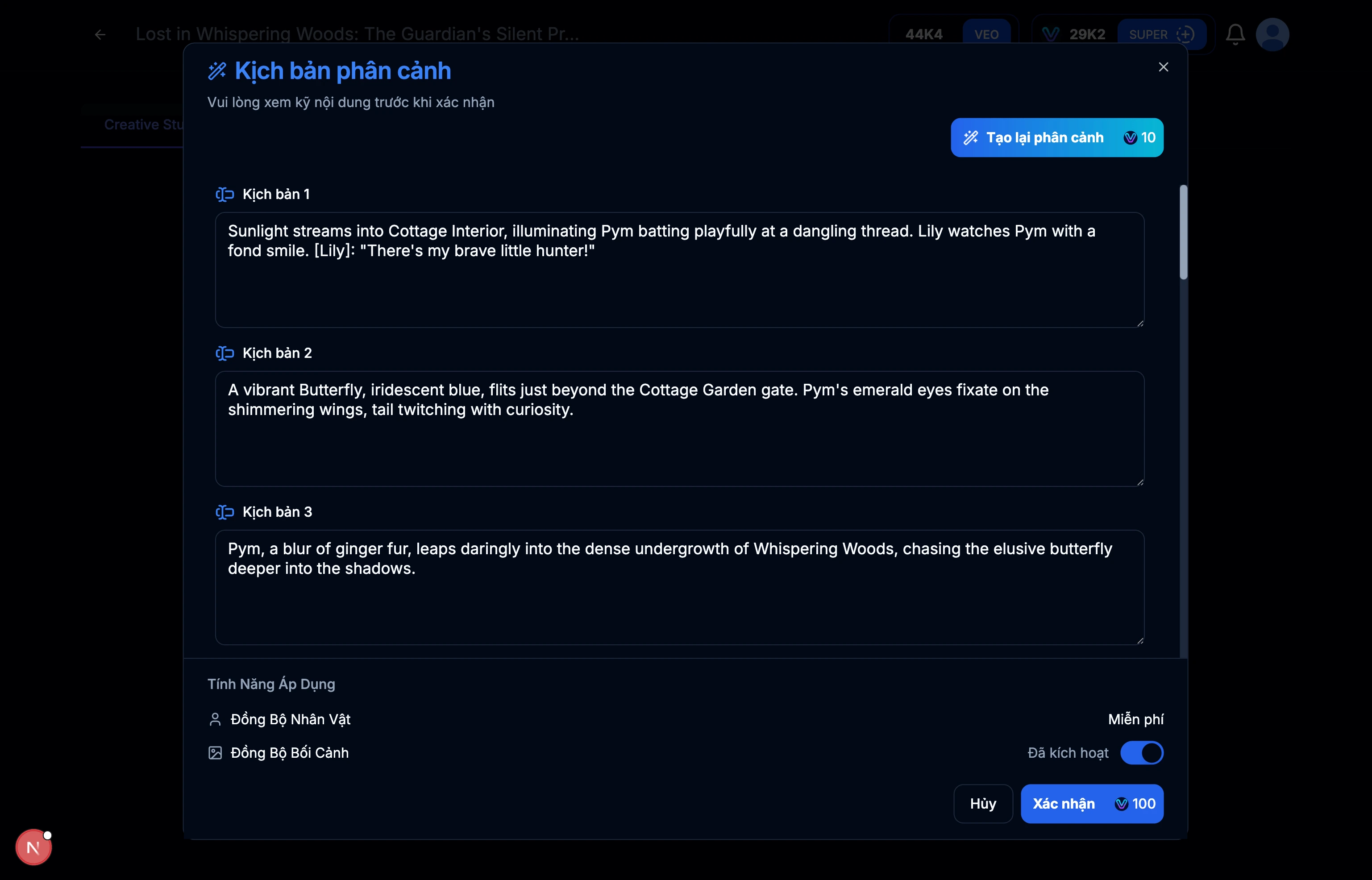
이미지: 3.3: 각 장면의 스크립트 결과
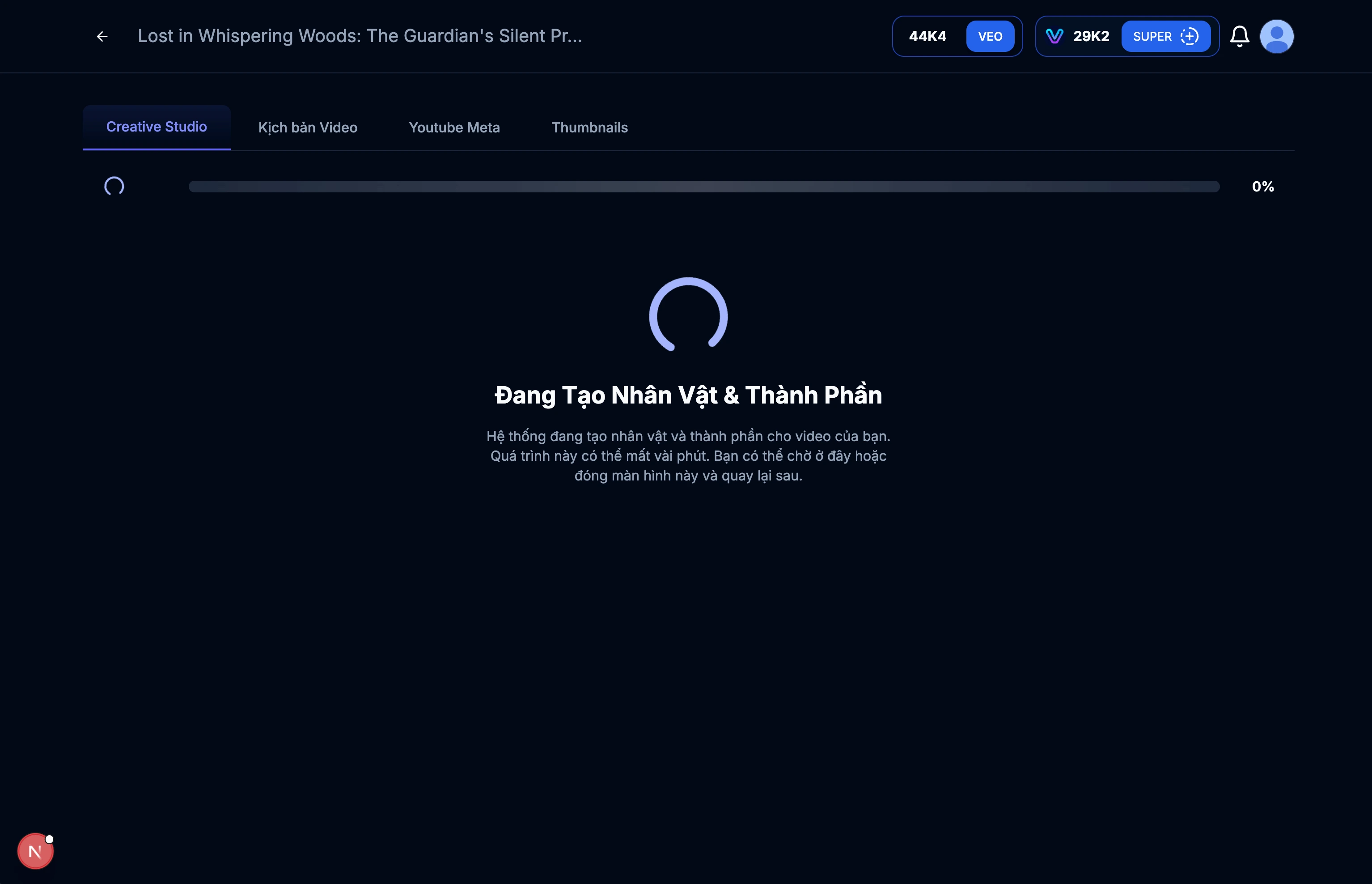
이미지: 3.4: 캐릭터 및 컨텍스트 생성
팁 & 참고사항:
- 비디오 스크립트 내용을 검토하고 목표와 일치하는지 확인하세요.
- 필요한 경우 원하는 대로 내용을 편집하세요.
- 비디오 길이는 장면 수에 따라 달라집니다.
- 더 많은 장면은 더 상세한 비디오 스크립트를 의미합니다.
- 장면을 만들 때 비디오의 지속 시간과 리듬을 고려하세요.
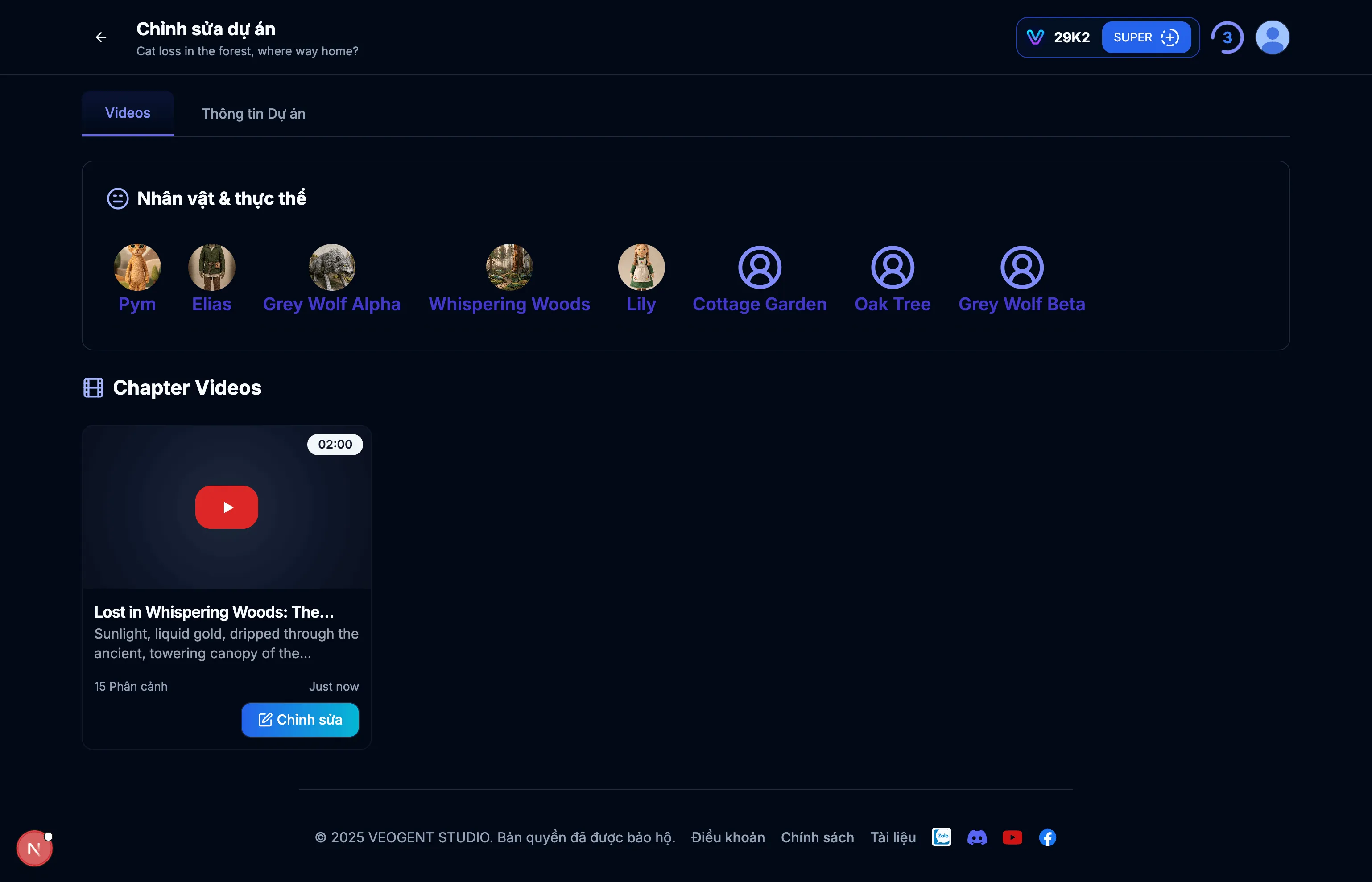
이미지: 4.1: 캐릭터 관리 인터페이스
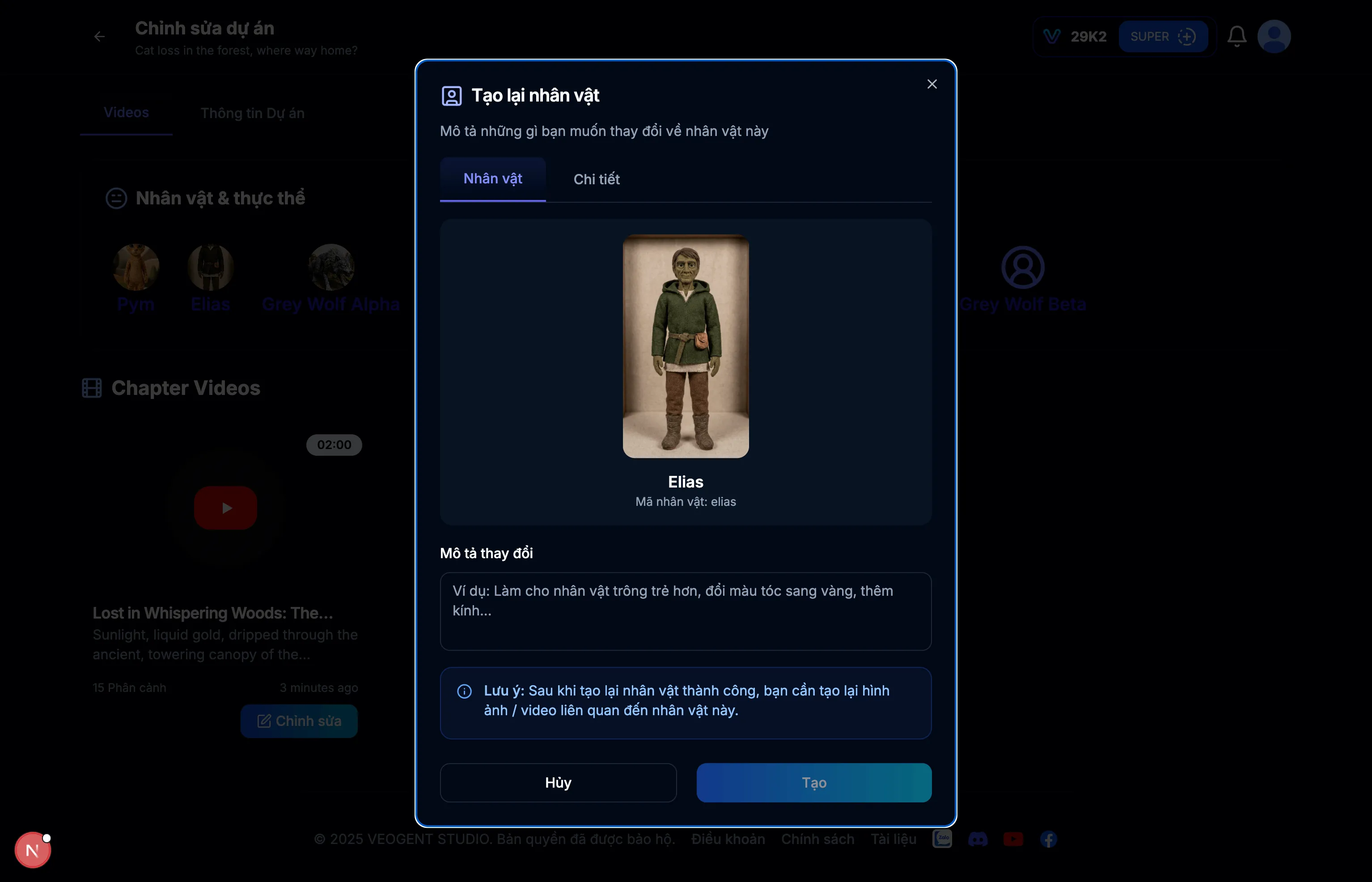
이미지: 4.2: 캐릭터 세부 정보
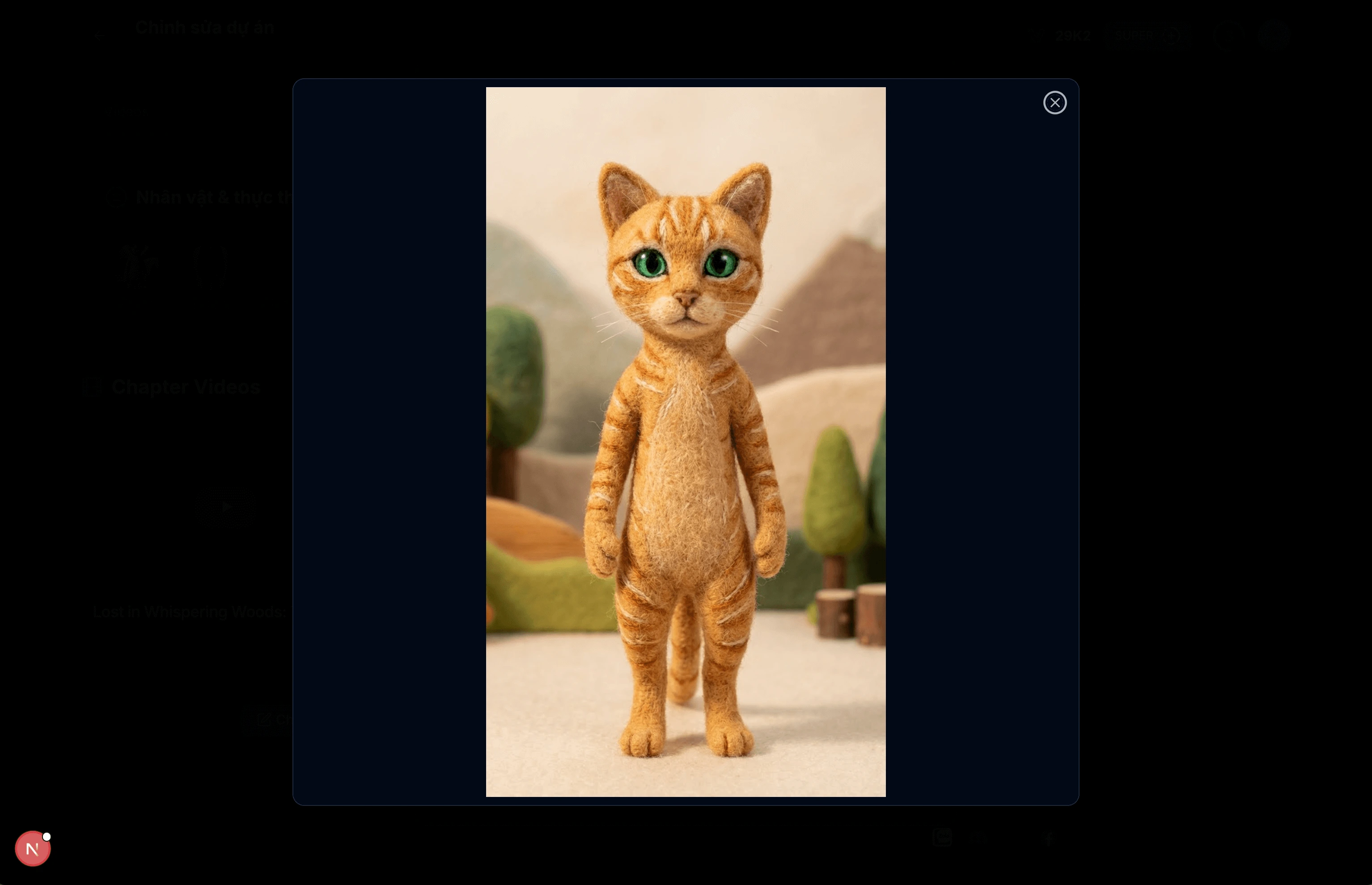
이미지: 4.3: 캐릭터 상세 이미지
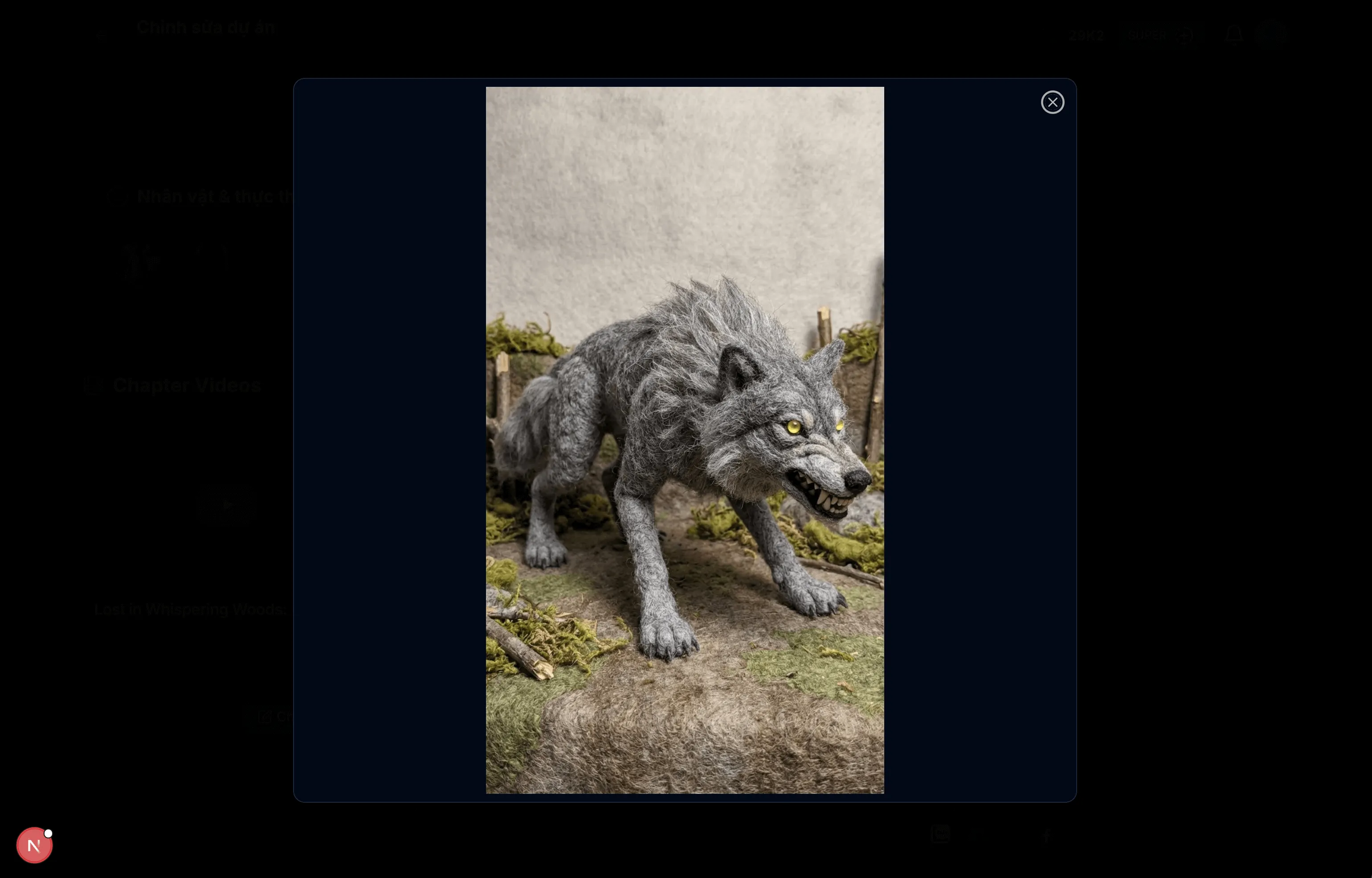
이미지: 4.4: 캐릭터 상세 이미지
팁 & 참고사항:
- 이 인터페이스를 사용하여 캐릭터 세부 정보를 보고 관리하세요.
- 필요한 경우 캐릭터 이미지를 다시 생성할 수 있습니다.
- 더 나은 AI 생성을 위해 캐릭터 설명이 정확한지 확인하세요.
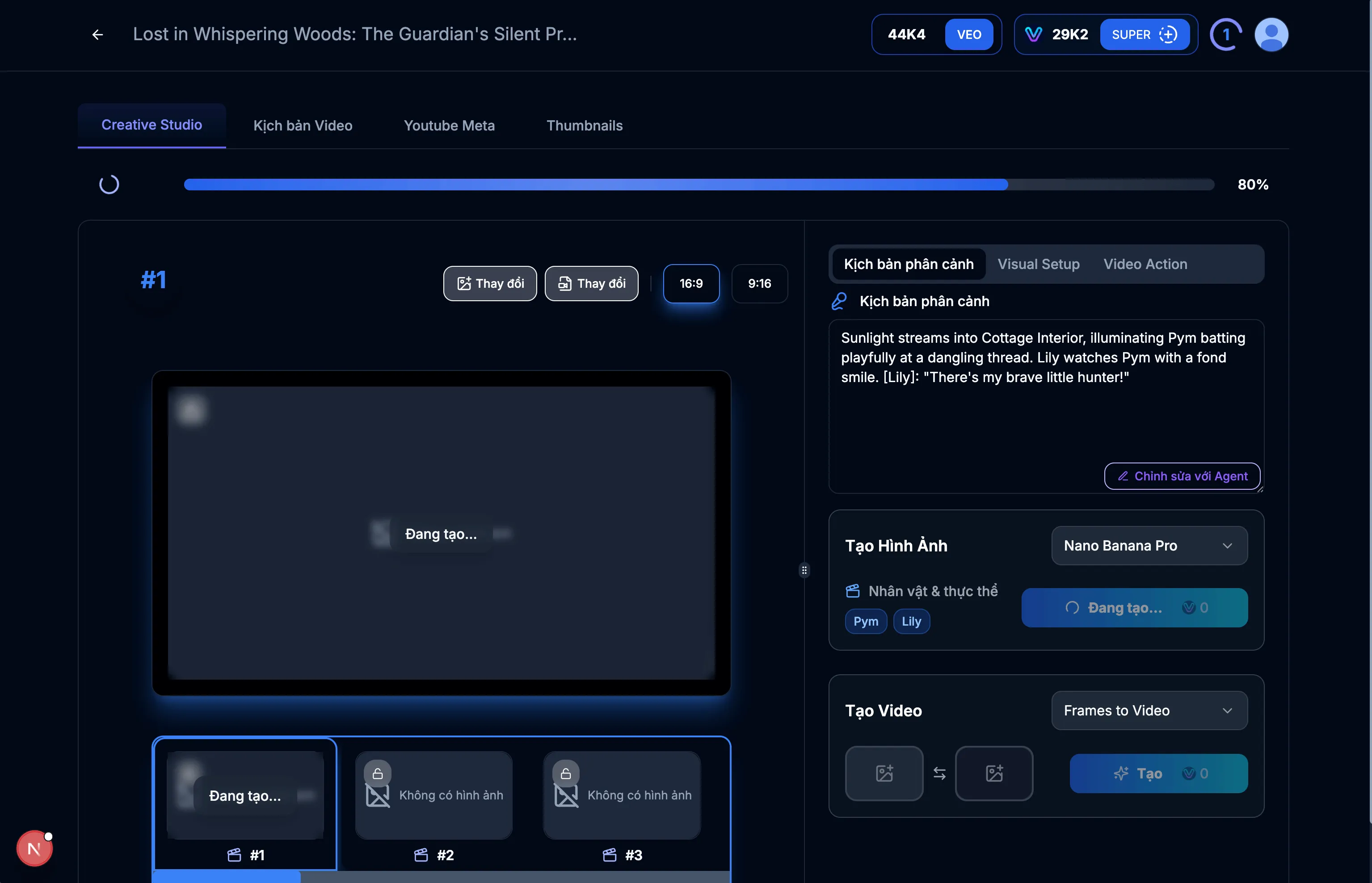
이미지: 5.1: Creative Studio
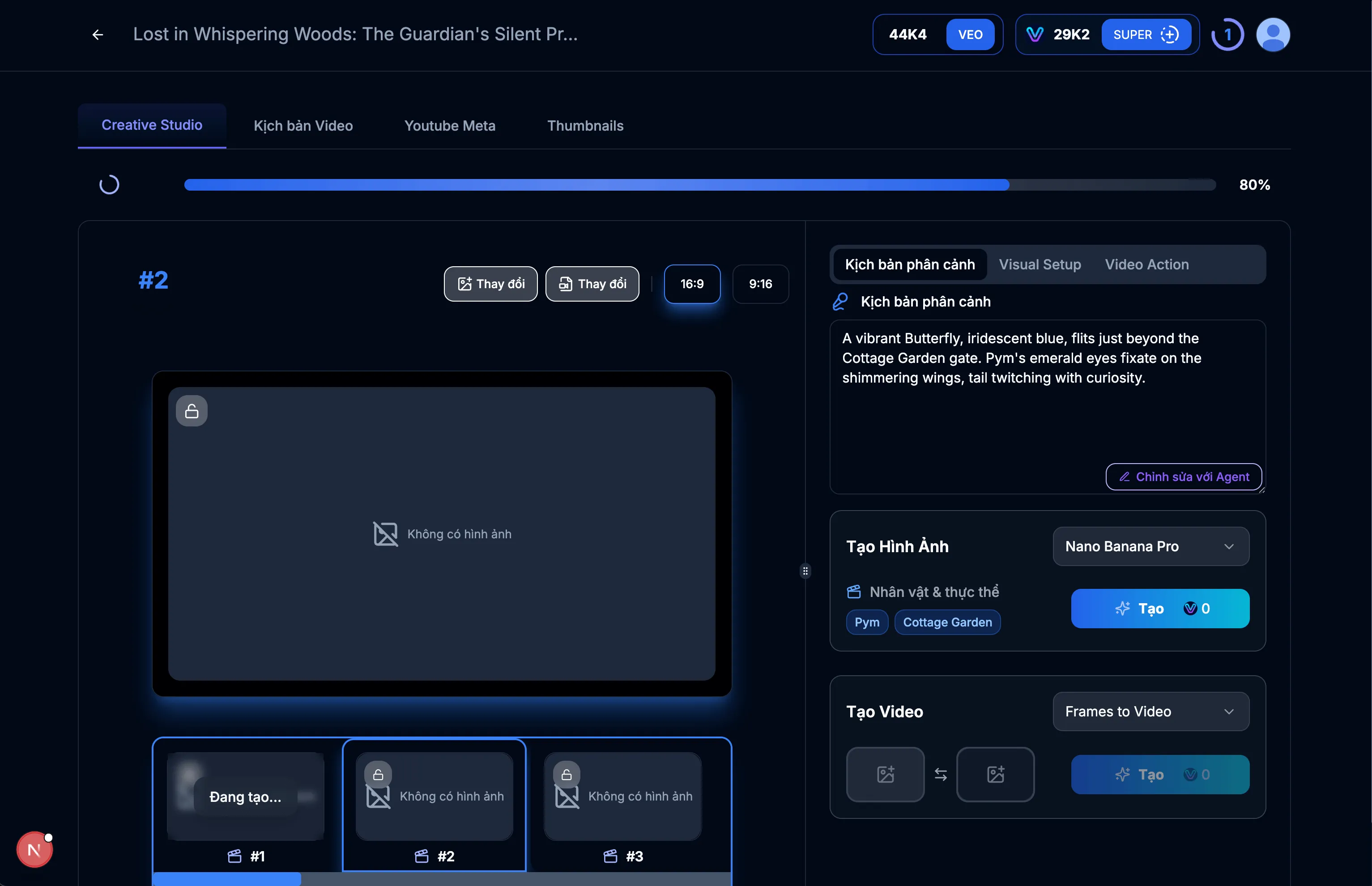
이미지: 5.2: 장면 #1용 이미지 만들기
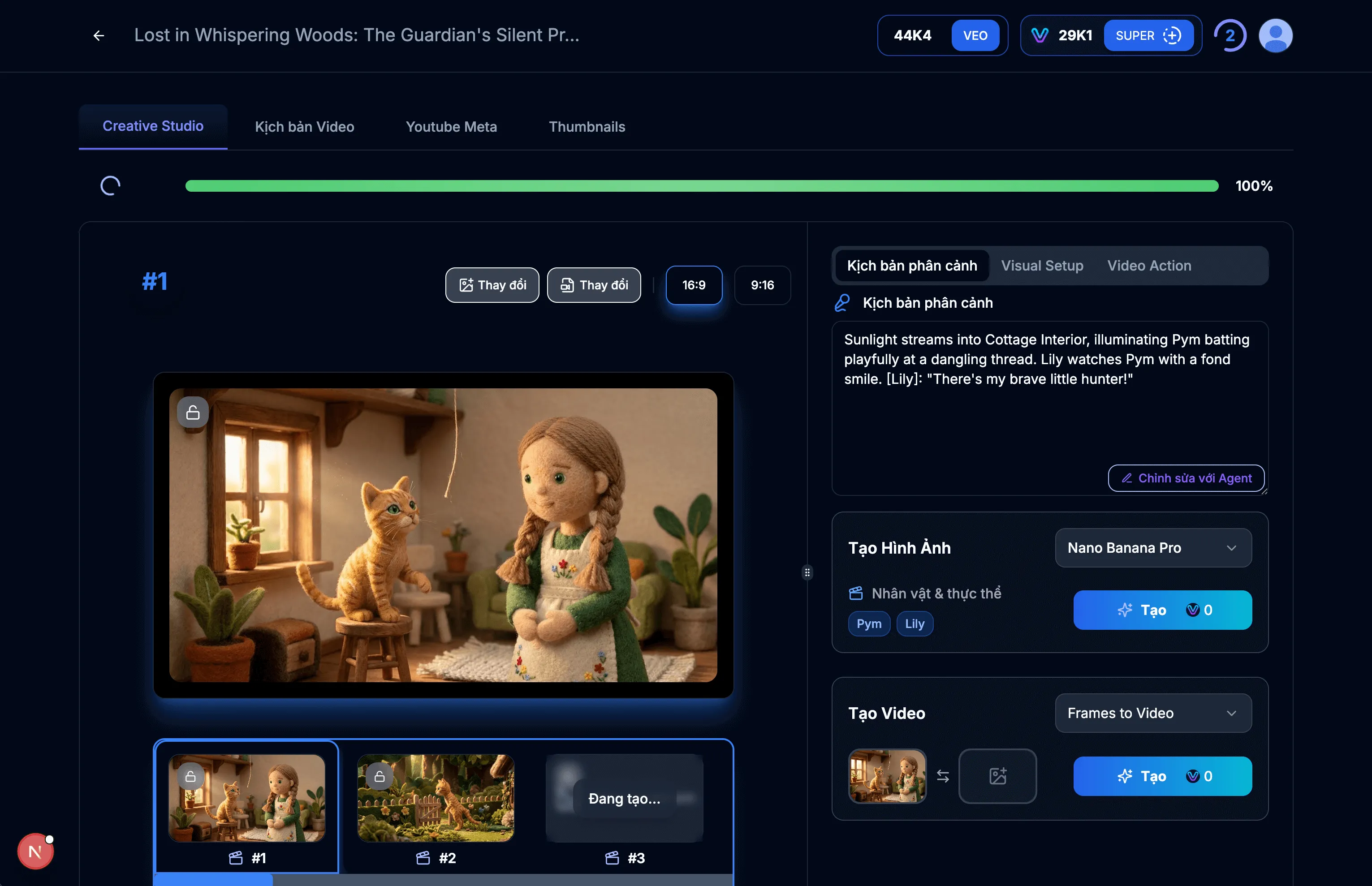
이미지: 5.3: 장면 #1 이미지 표시
팁 & 참고사항:
- 이 인터페이스를 사용하여 장면의 모든 세부 사항을 미세 조정하세요.
- AI가 원하는 콘텐츠를 생성할 수 있도록 지침이 명확한지 확인하세요.
- 필요한 경우 다른 이미지를 다시 생성할 수 있습니다.
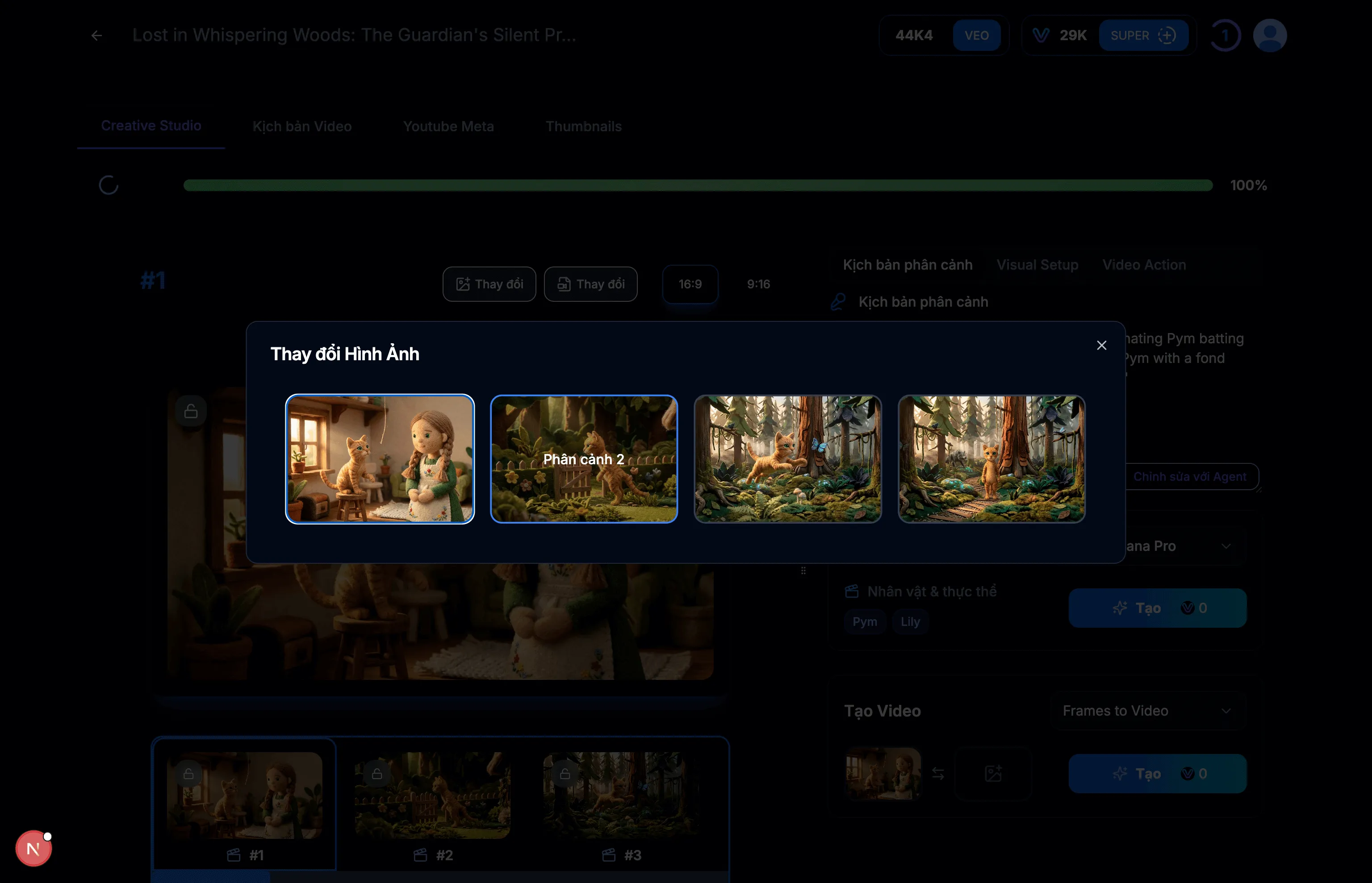
이미지: 6.1: 끝 프레임으로 장면 #2 선택
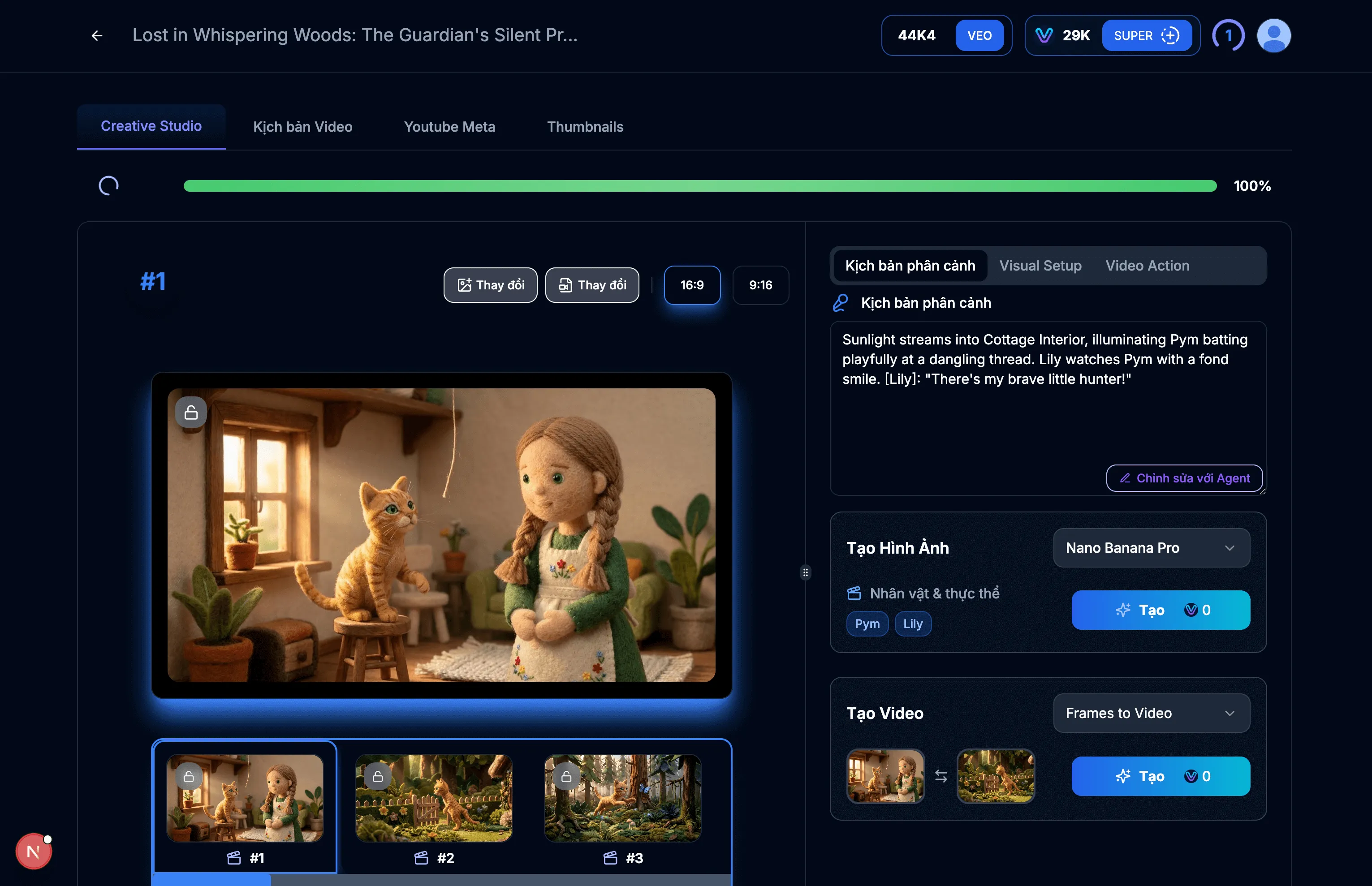
이미지: 6.2: 장면용 비디오 만들기
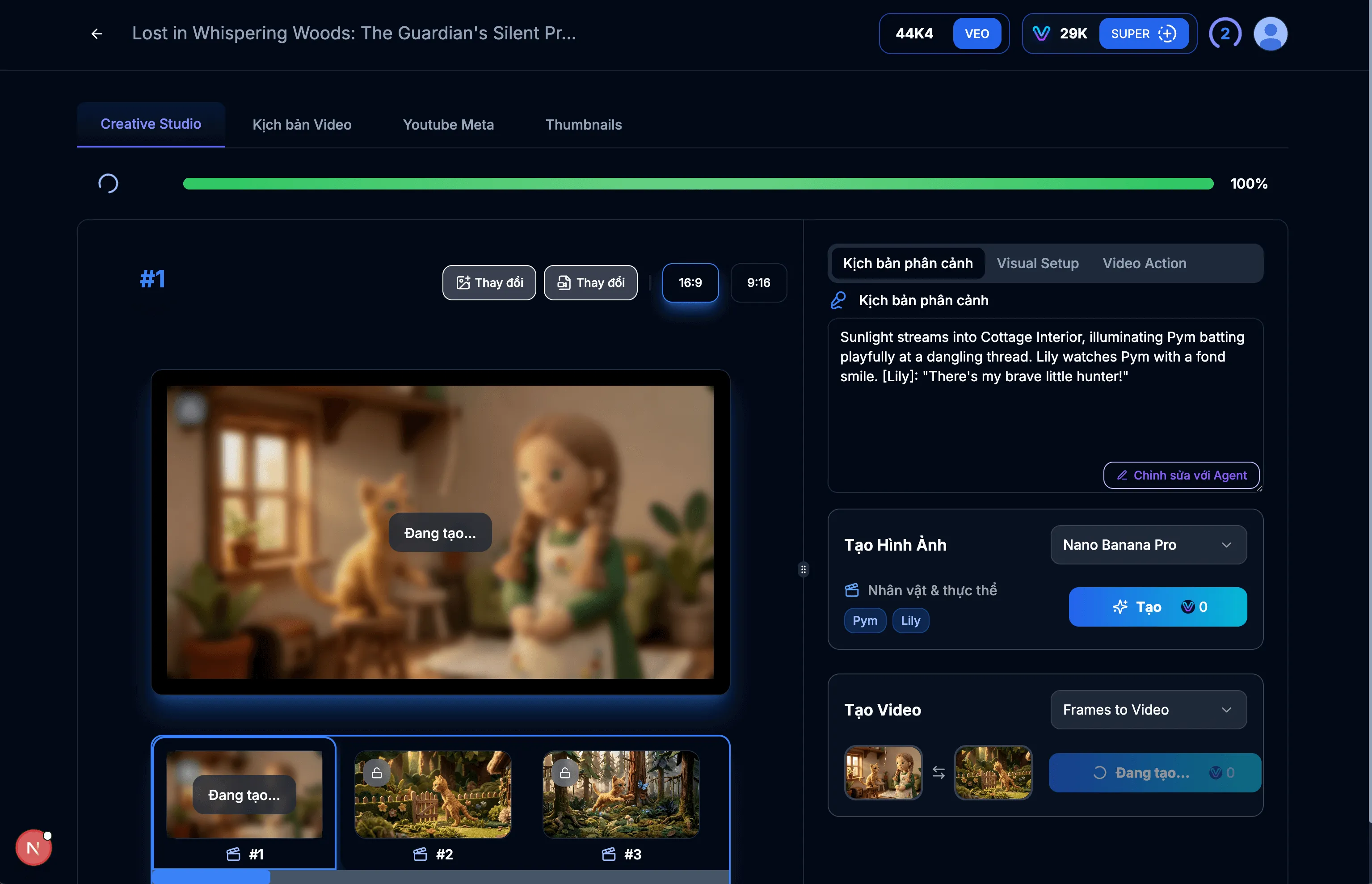
이미지: 6.3: 비디오 생성 중
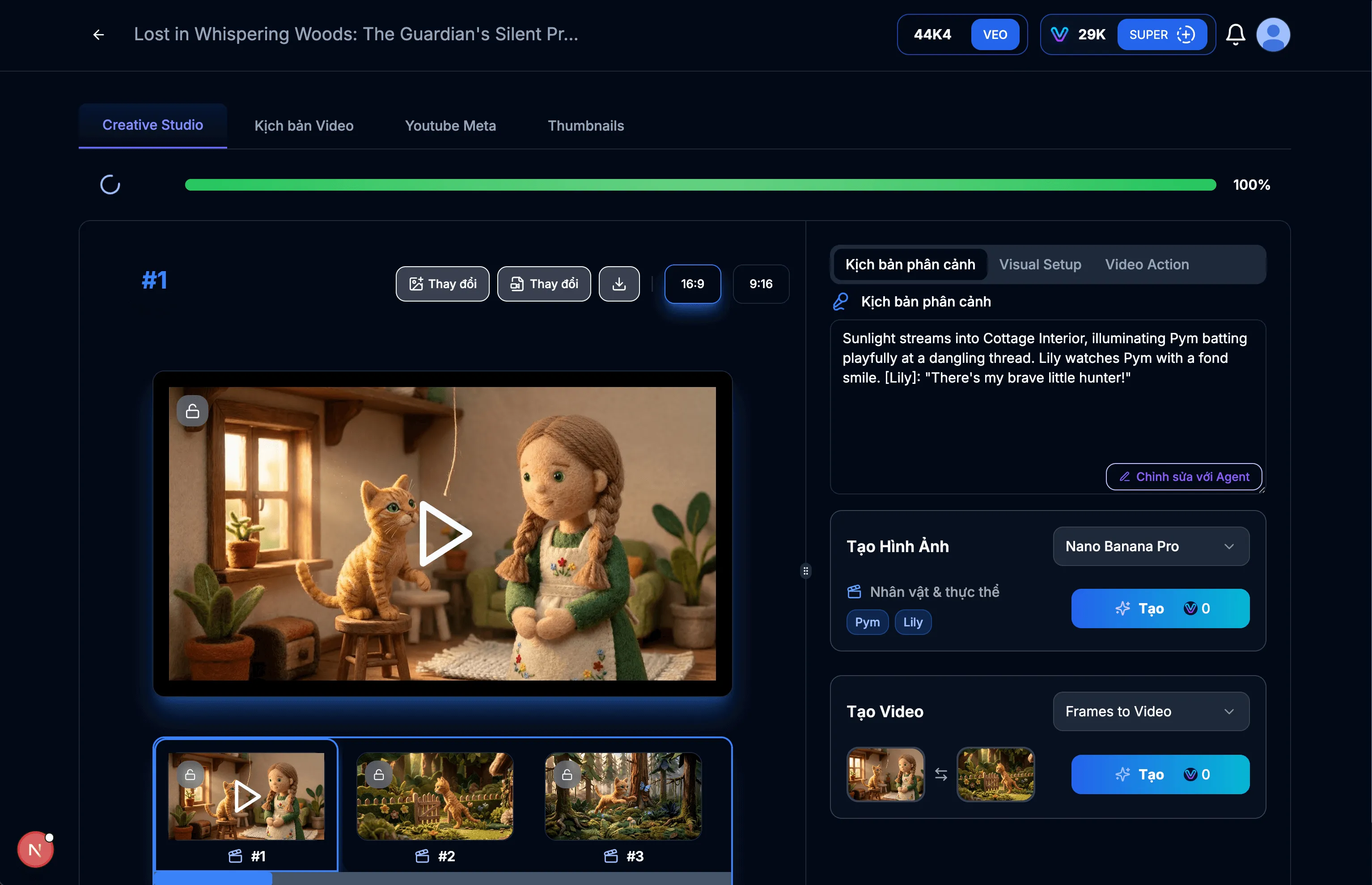
이미지: 6.4: 비디오 성공적으로 생성됨
팁 & 참고사항:
- 비디오가 마음에 들지 않으면 다른 비디오를 만들 수 있습니다.
Flow 인증 키를 올바르게 설정하고 관리하는 것은 VEOGENT STUDIO의 비디오 생성 기능의 전체 잠재력을 발휘하는 데 매우 중요합니다. 이 가이드를 따라 Flow 키에 액세스하고, 생성하고, 복사하고, 업데이트하는 방법을 배웠습니다.
비디오 생성 기능에 대한 중단 없는 액세스를 보장하기 위해 Flow 크레딧 상태를 정기적으로 확인하고 필요에 따라 키를 업데이트하는 것을 잊지 마세요.